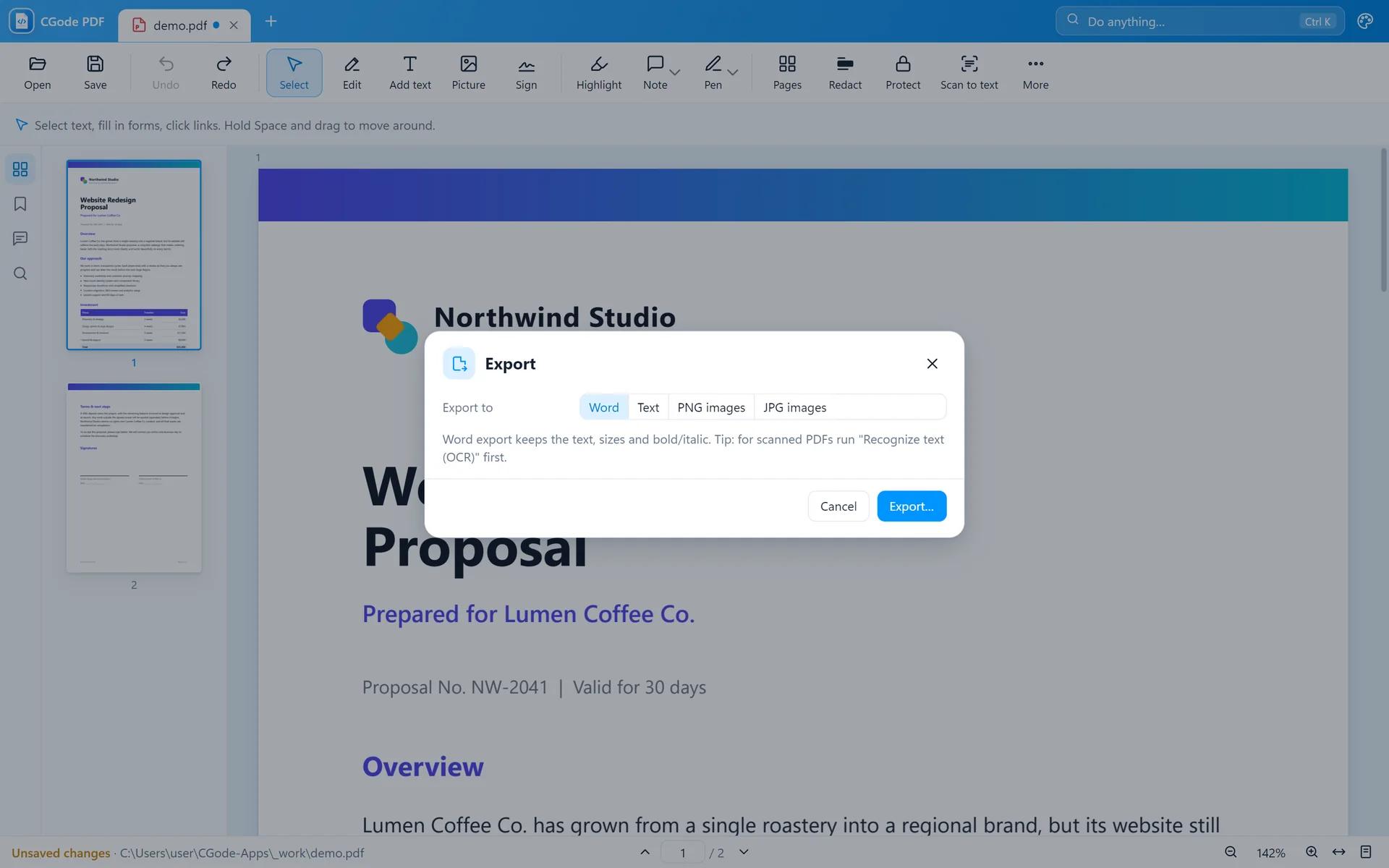
Try it here first
This little editor works like CGode PDF. Pick a tool on top and use it on the page.
In the real app every change can be undone with Ctrl+Z.
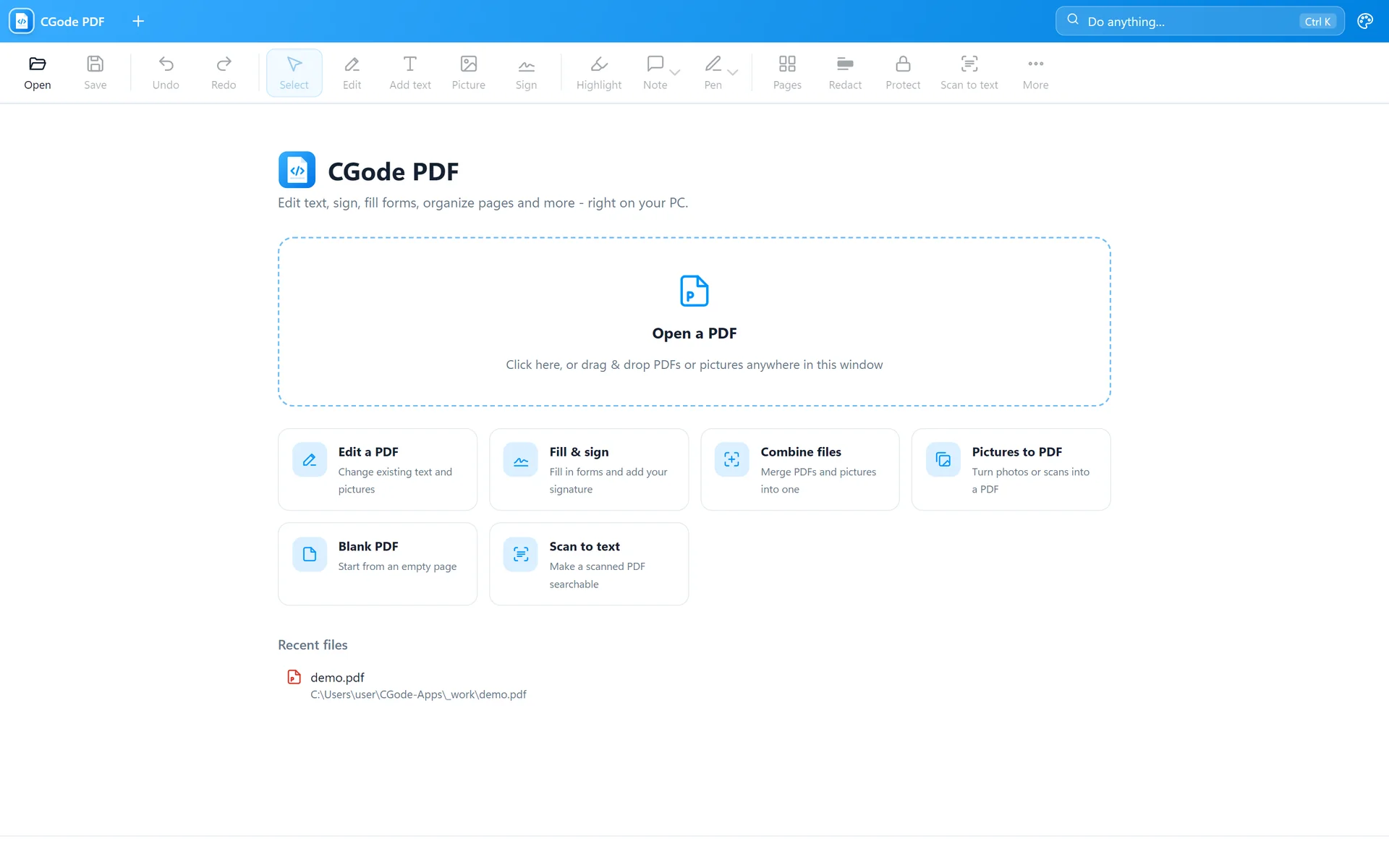
Everything you can do, step by step, with screenshots. Pick a topic on the left or start from step 1.
This little editor works like CGode PDF. Pick a tool on top and use it on the page.
In the real app every change can be undone with Ctrl+Z.
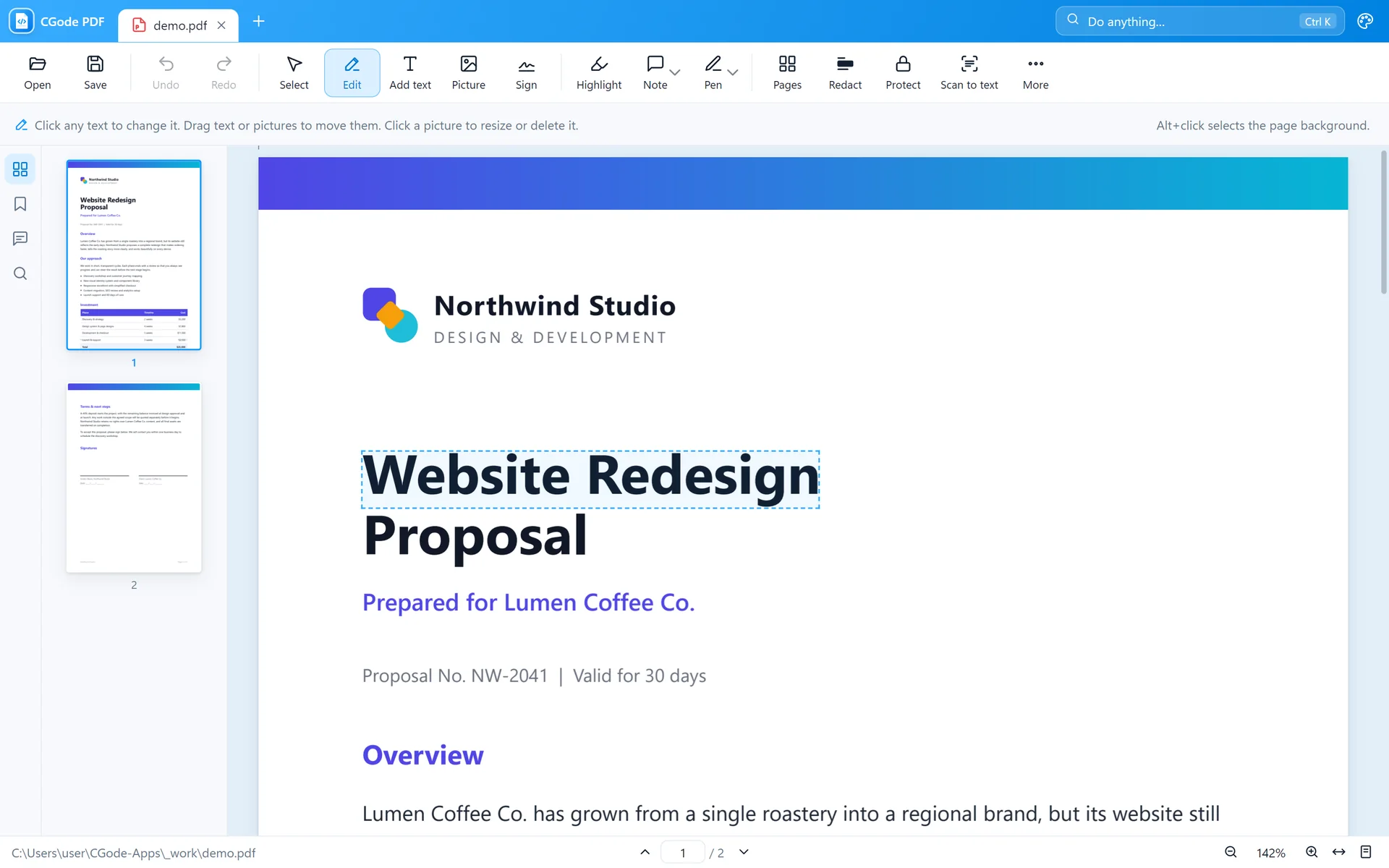
Start from the welcome screen, or drag a file anywhere into the window.

Make it your default PDF app: right-click any PDF › Open with › Choose another app › CGode PDF › Always.
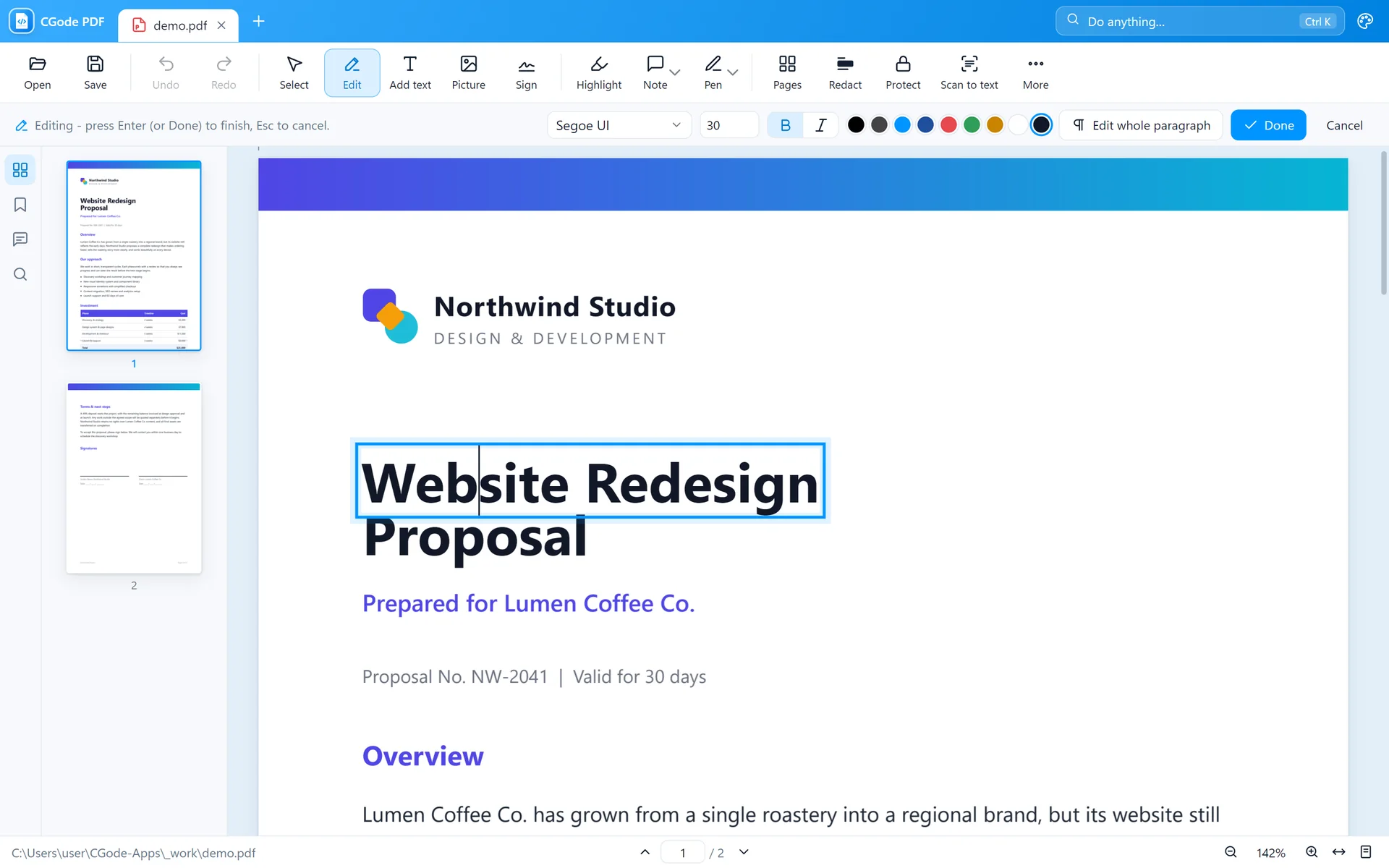
Change words that are already in the PDF, the way you would in Word.


CGode PDF keeps the original font when it can. If a letter isn't in that font, it uses the closest Windows font automatically.
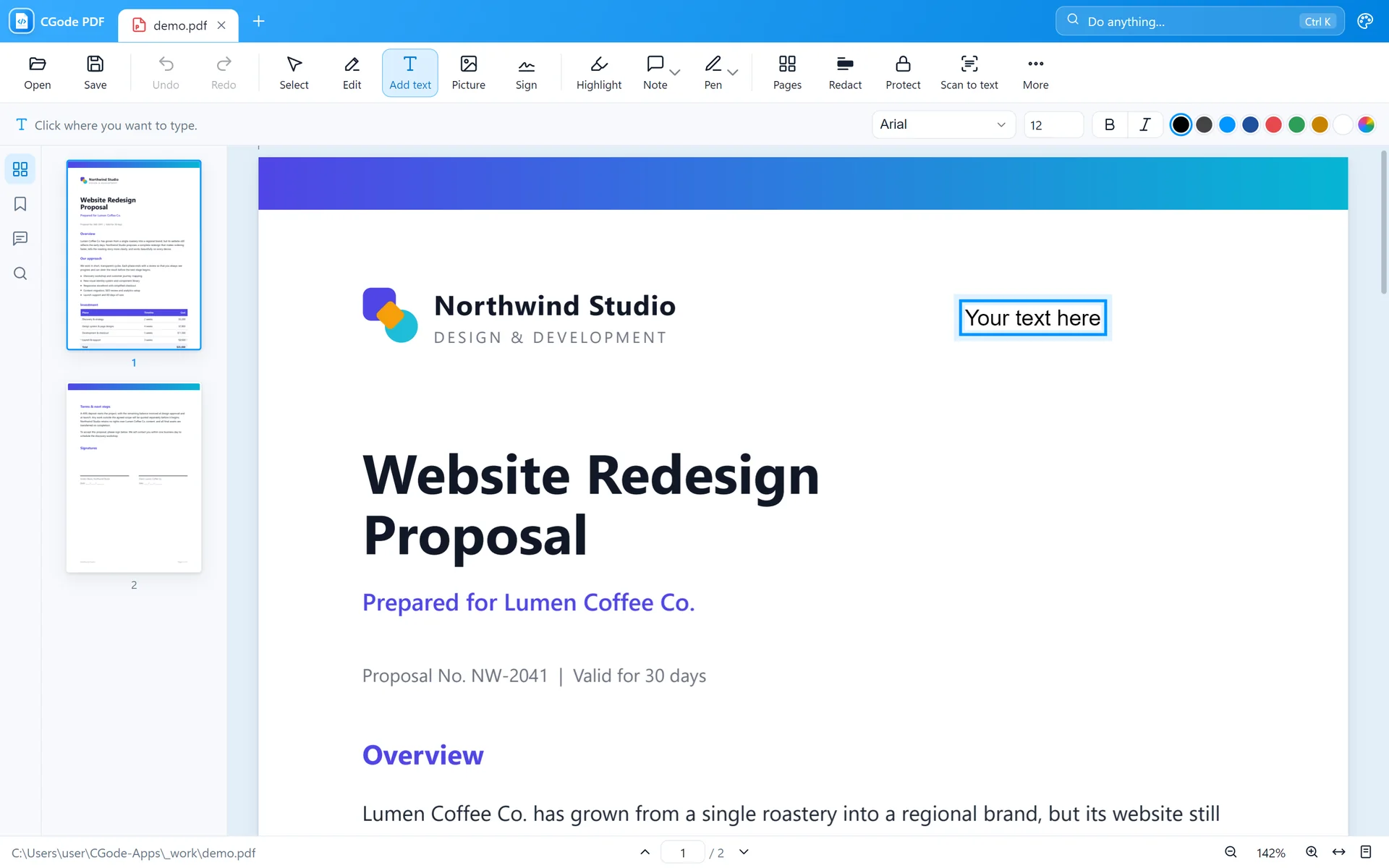
Type anywhere on the page, for example to fill in a paper form.

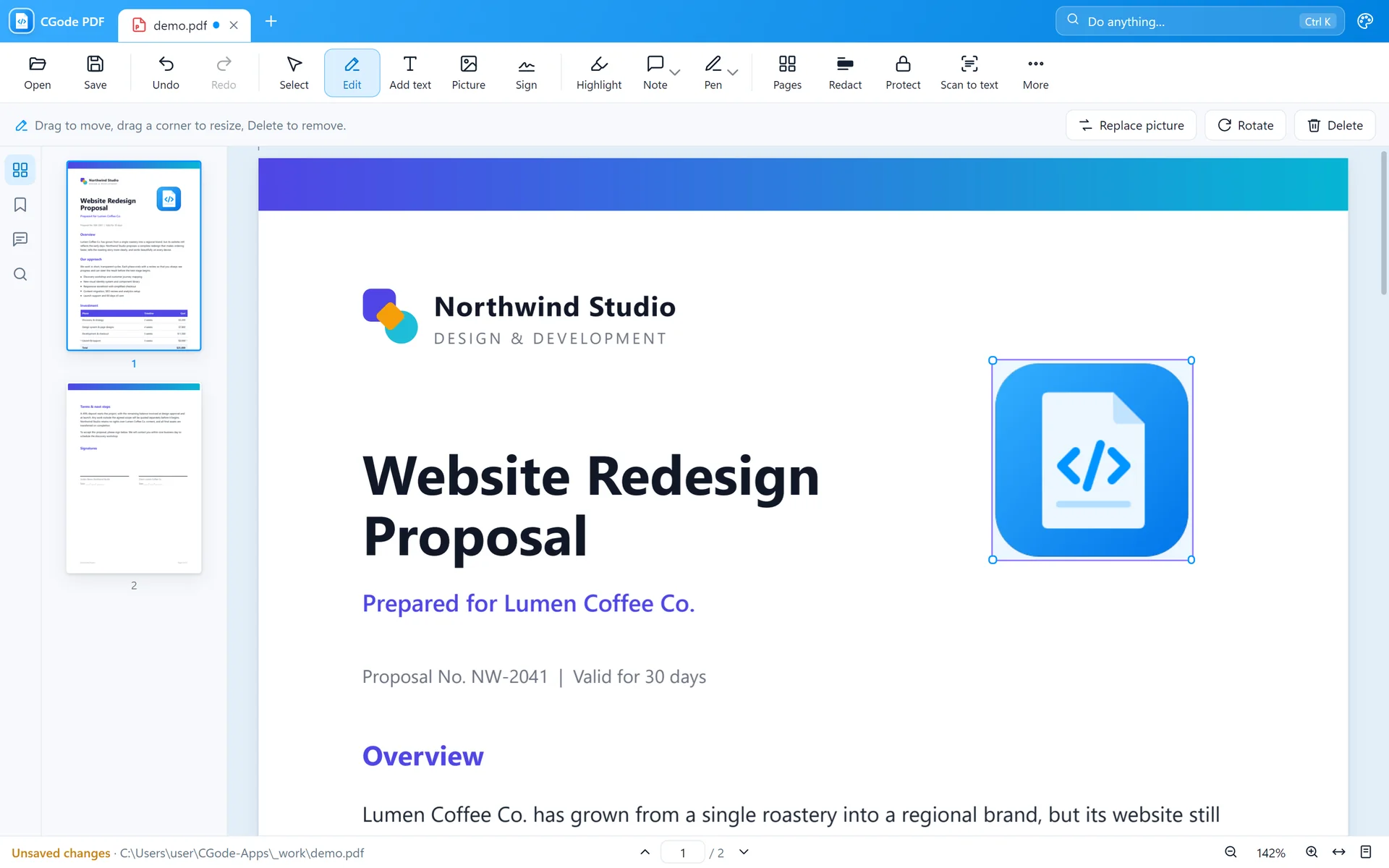
Put logos, photos or stamps on the page and adjust them.

Page backgrounds are protected so you don't grab them by accident. Hold Alt and click if you really want to select one.
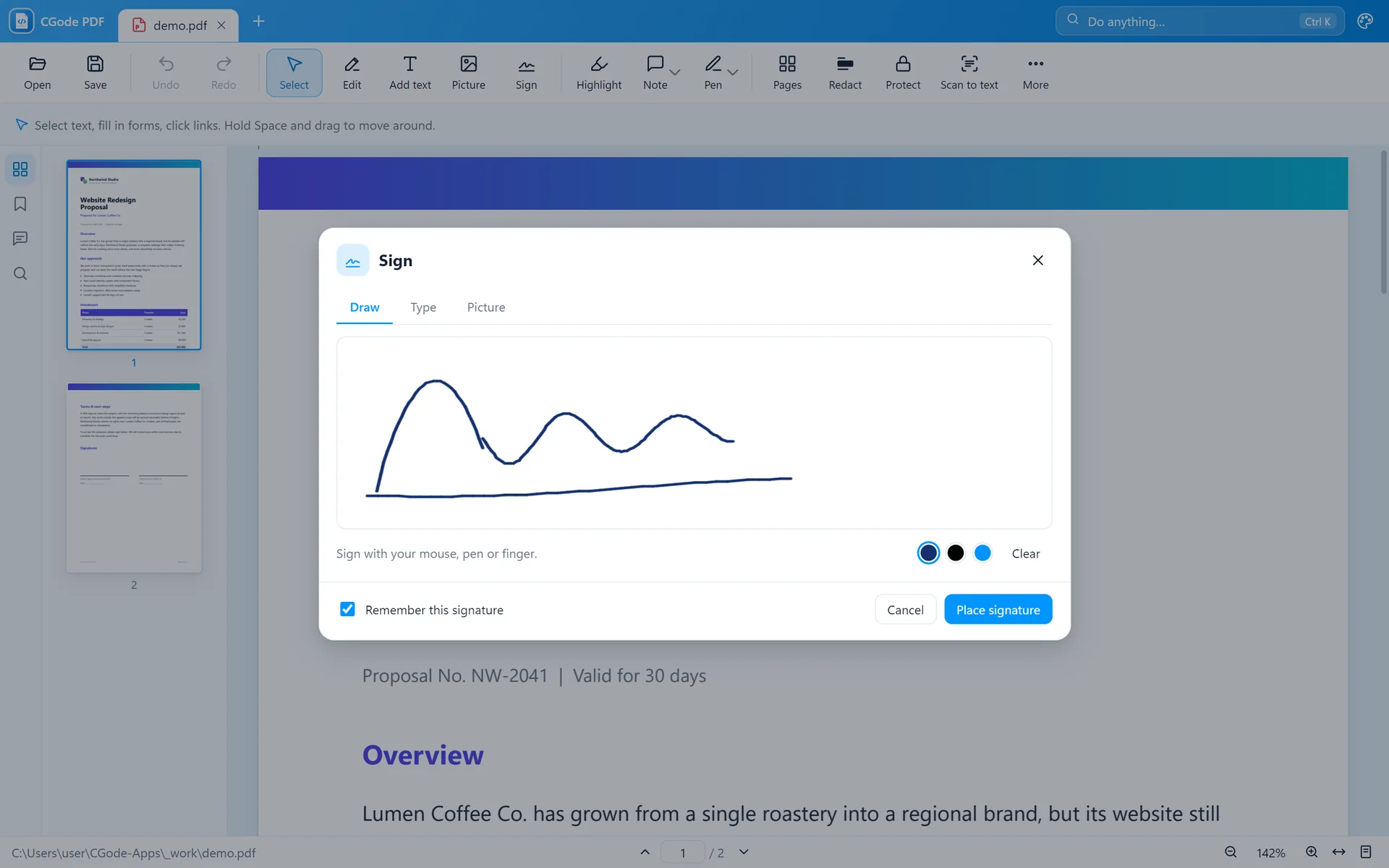
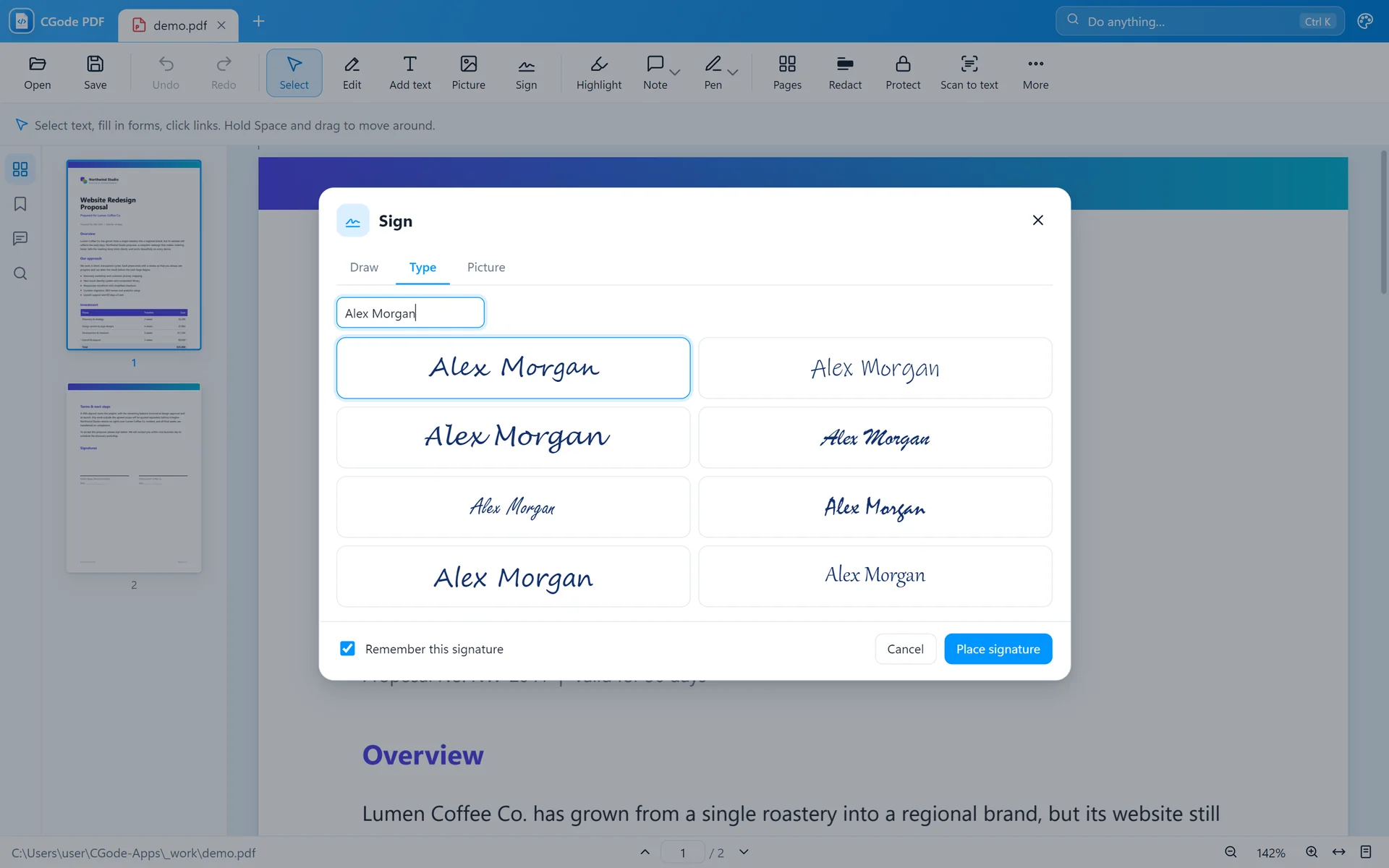
Draw, type or upload your signature once and reuse it.


PDFs with form fields work right away. Fields are tinted light blue.
Form has no fields? Use Add text to type on it anywhere.
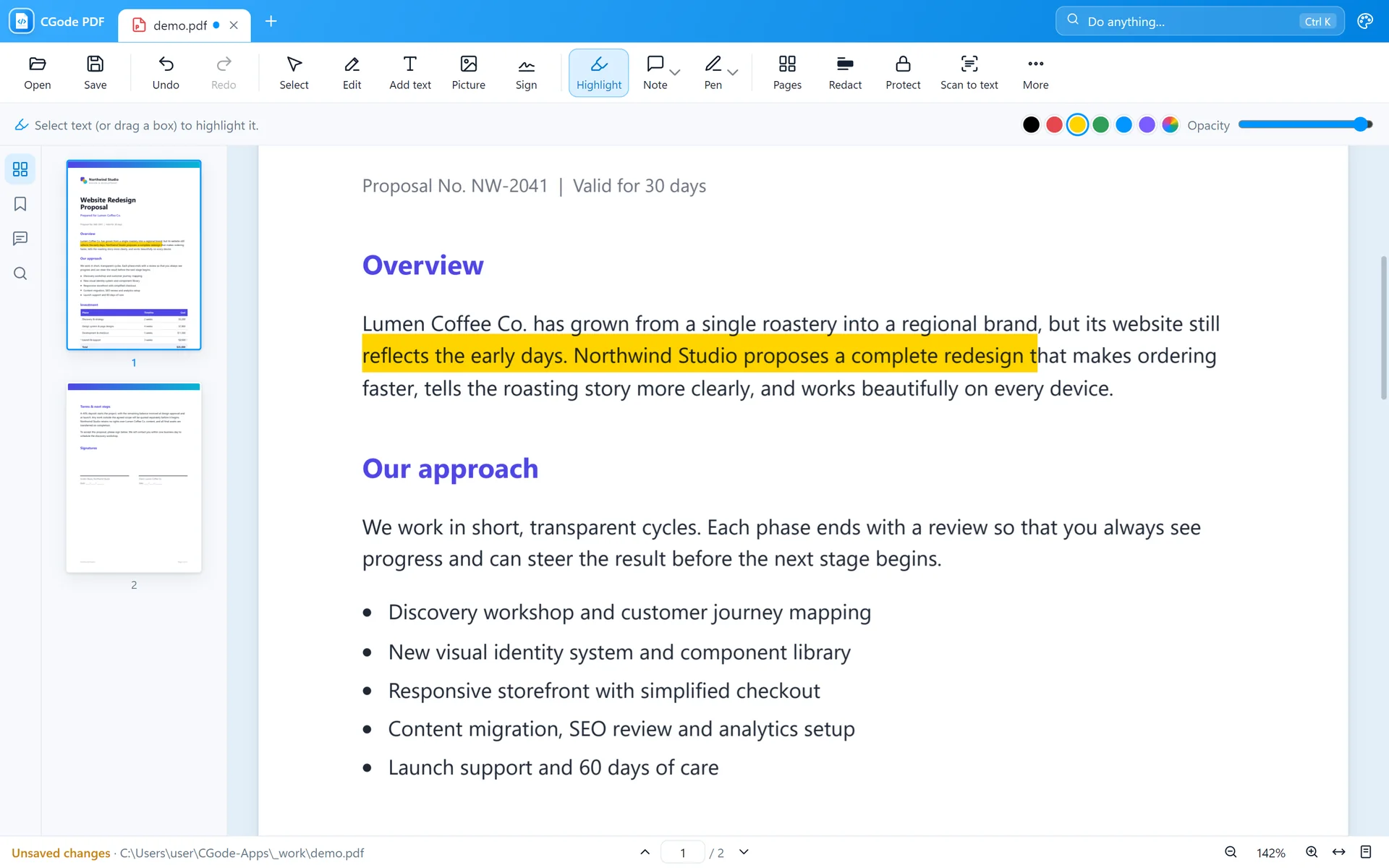
Mark up a document for review.

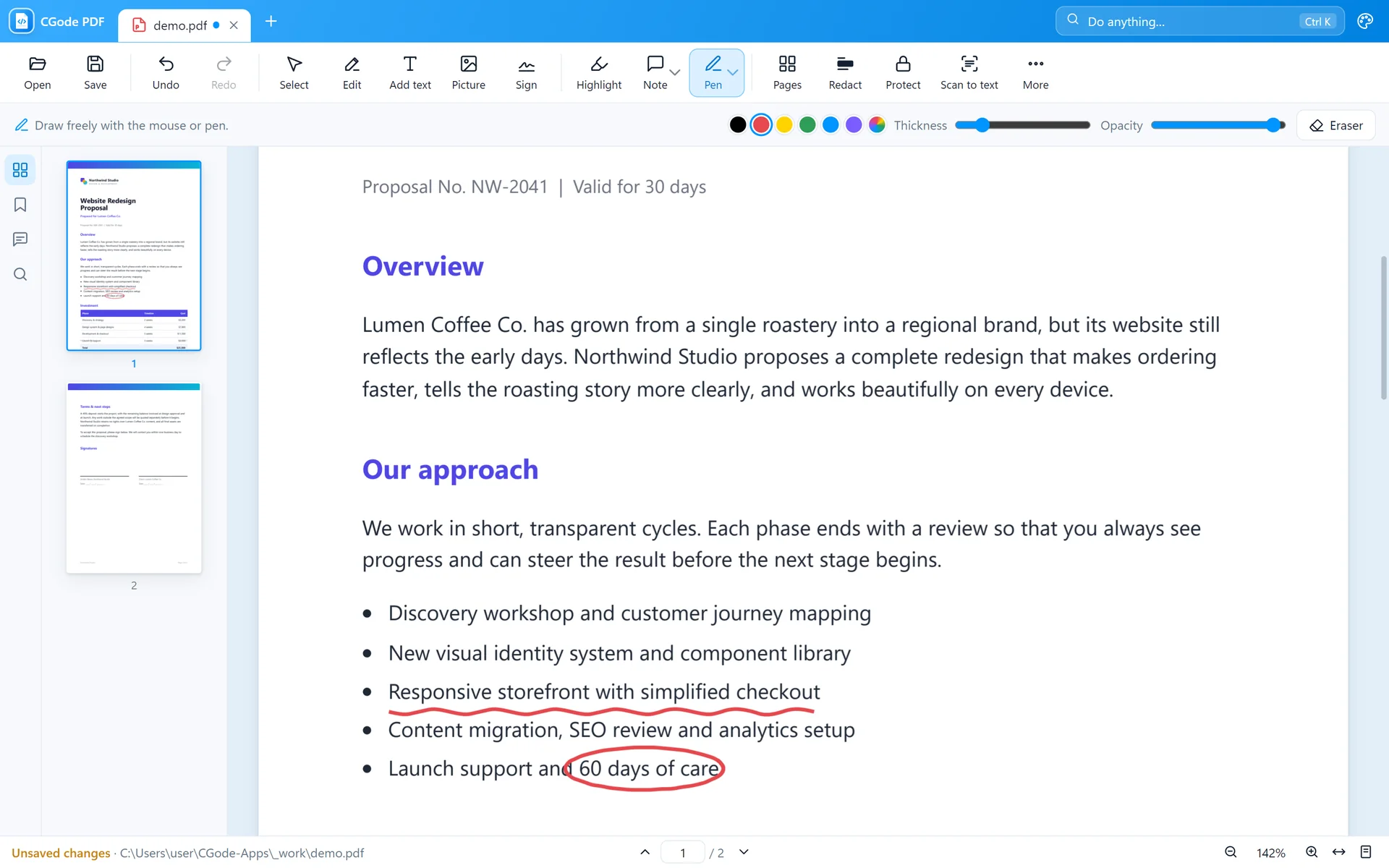
Sketch, circle things, or draw shapes and arrows.

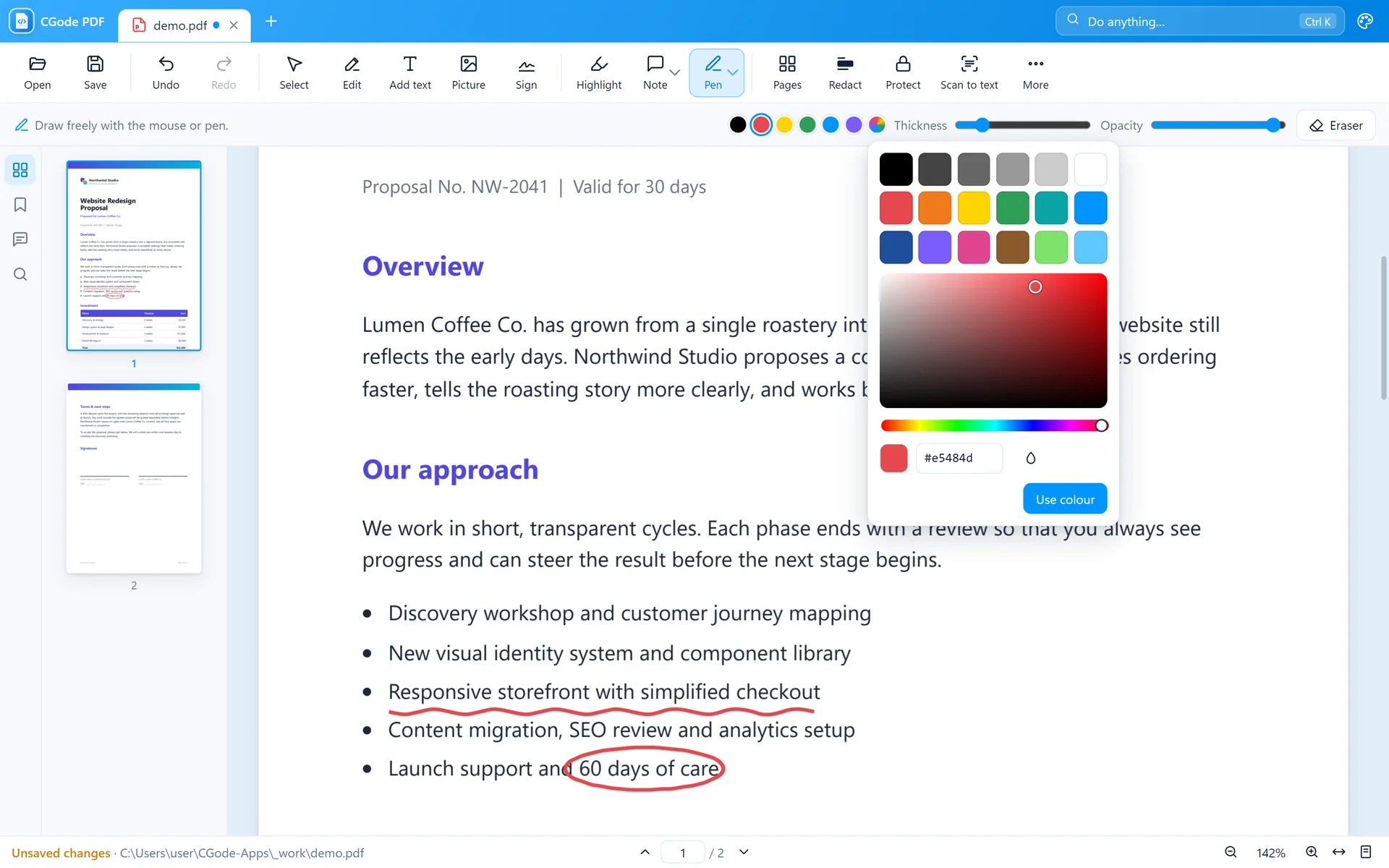
Use any colour and any font on your PC.

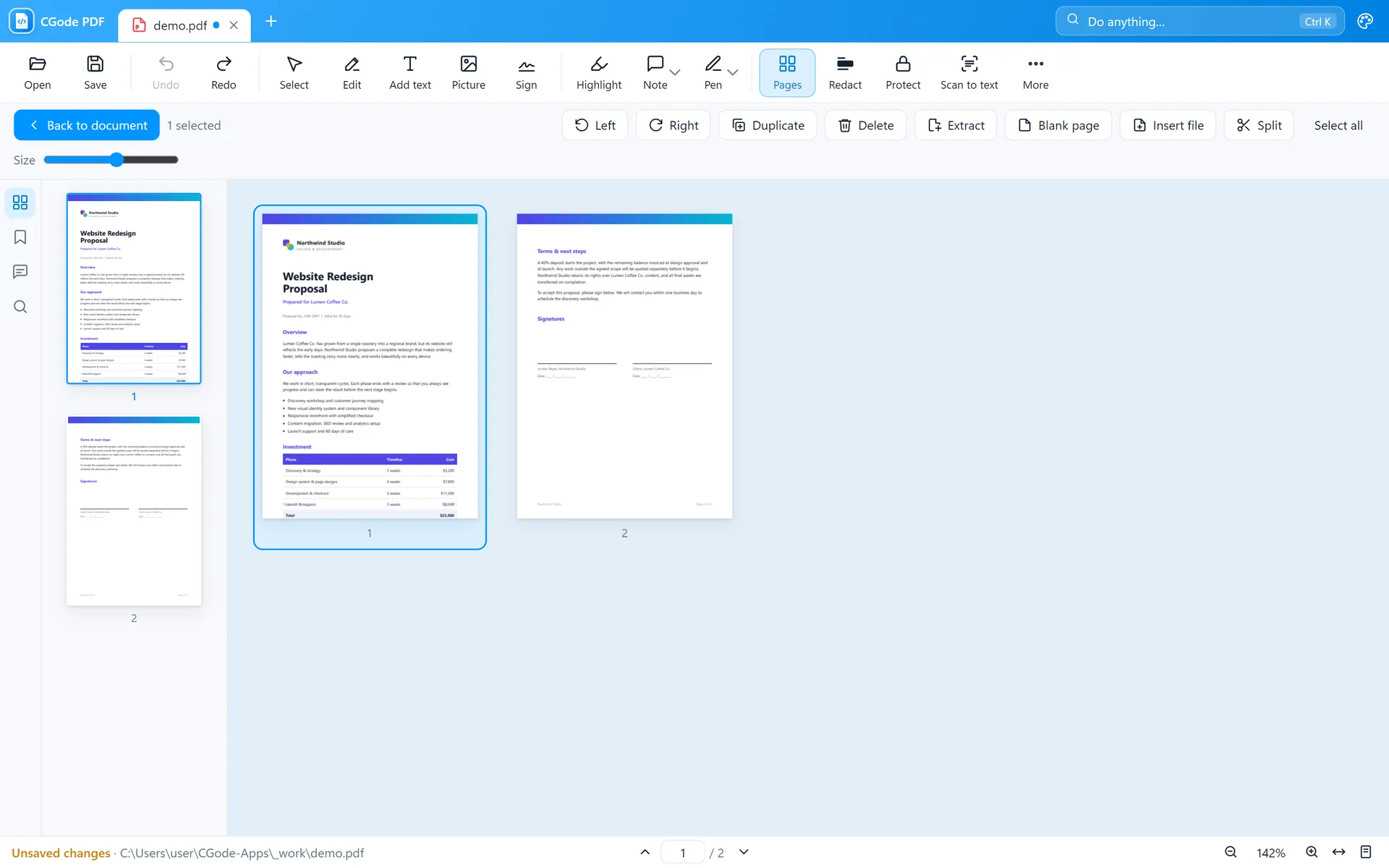
Reorder, rotate, delete, insert, split and merge.

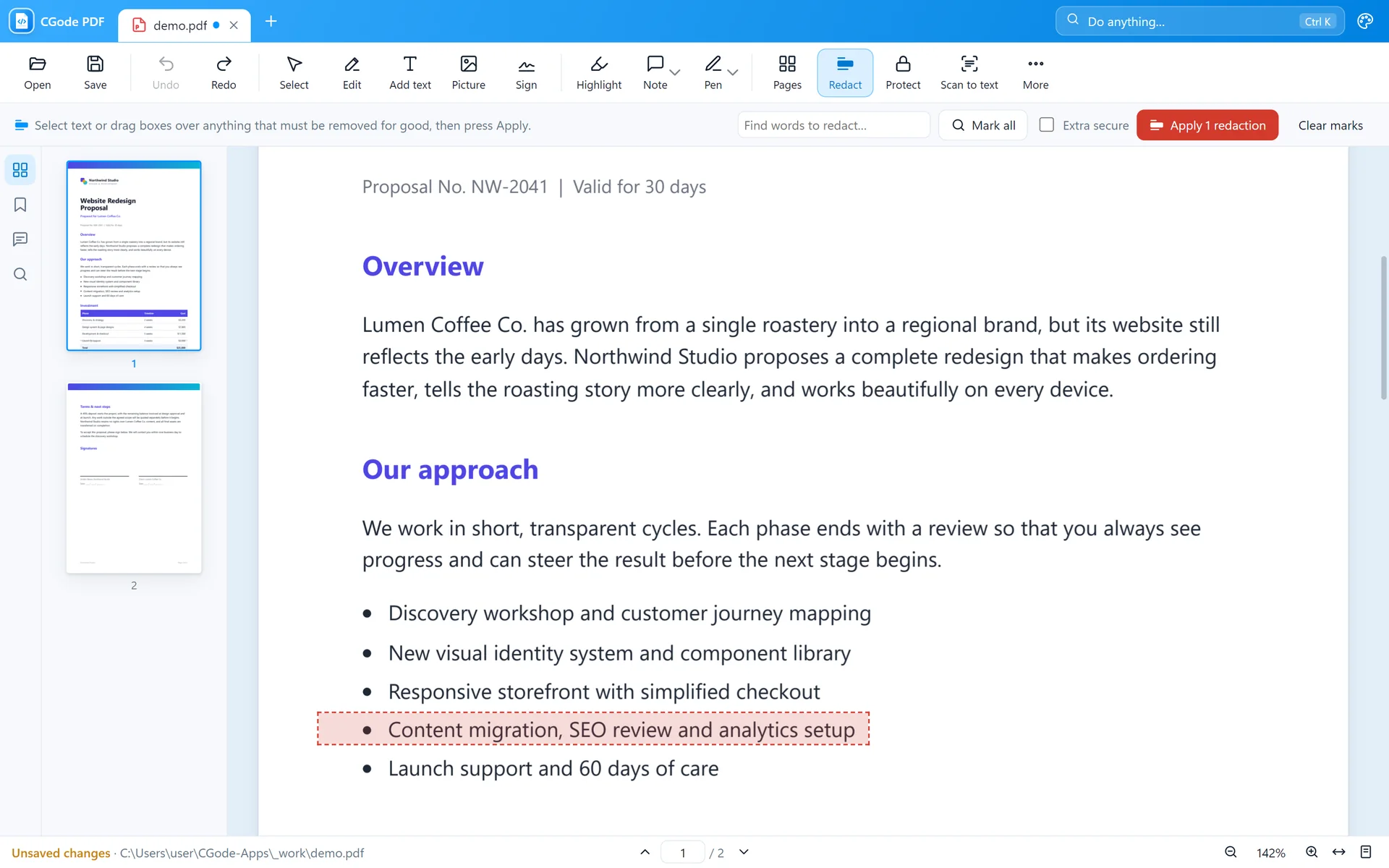
Remove account numbers, names or anything private. The hidden text is really deleted, not just covered.

Save the file after redacting. Send the saved copy, not the original.
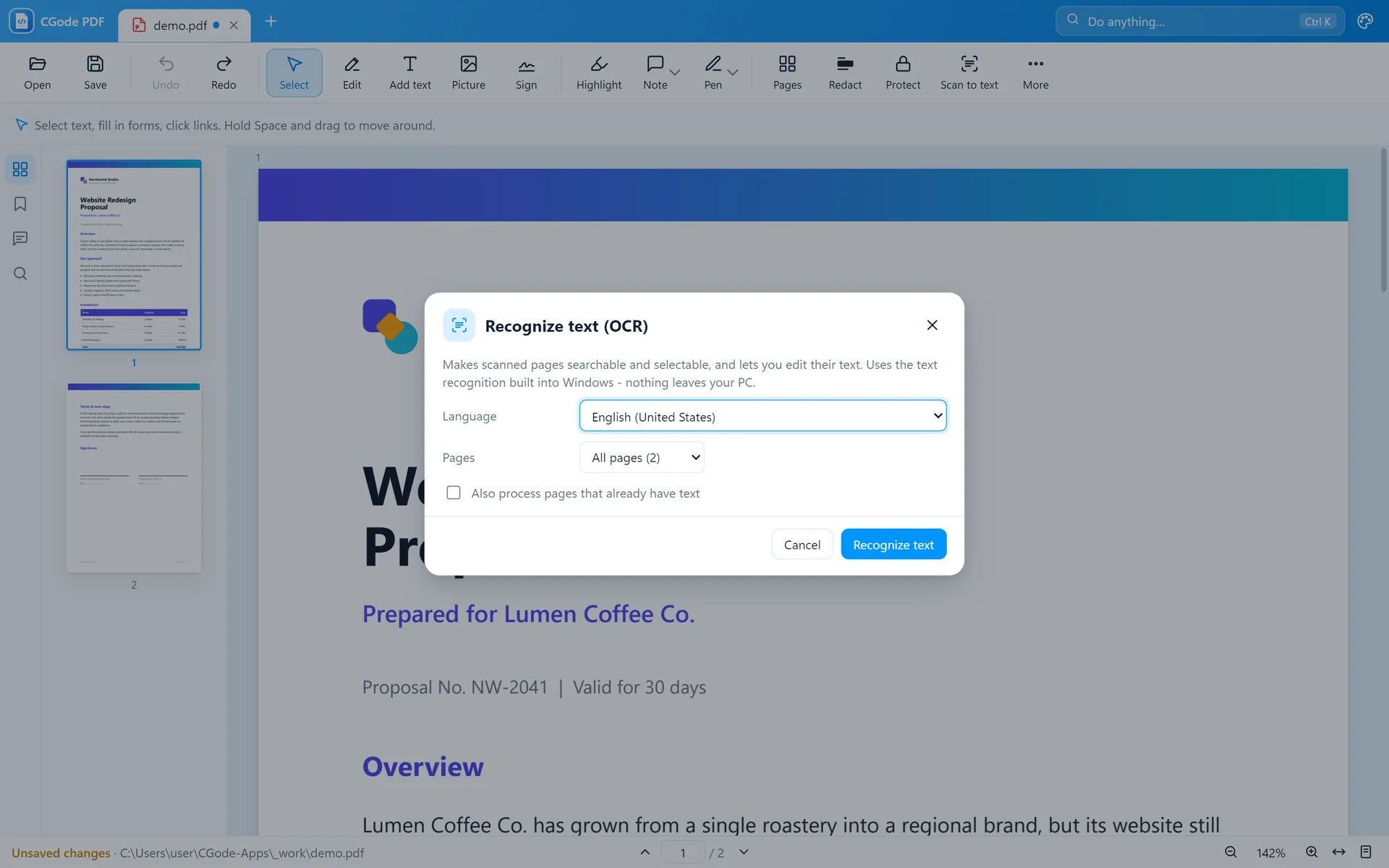
Turn scanned pages and photos into text you can search, copy and edit.

Recognition uses the languages installed in Windows. Add more in Windows Settings › Time & language › Language.
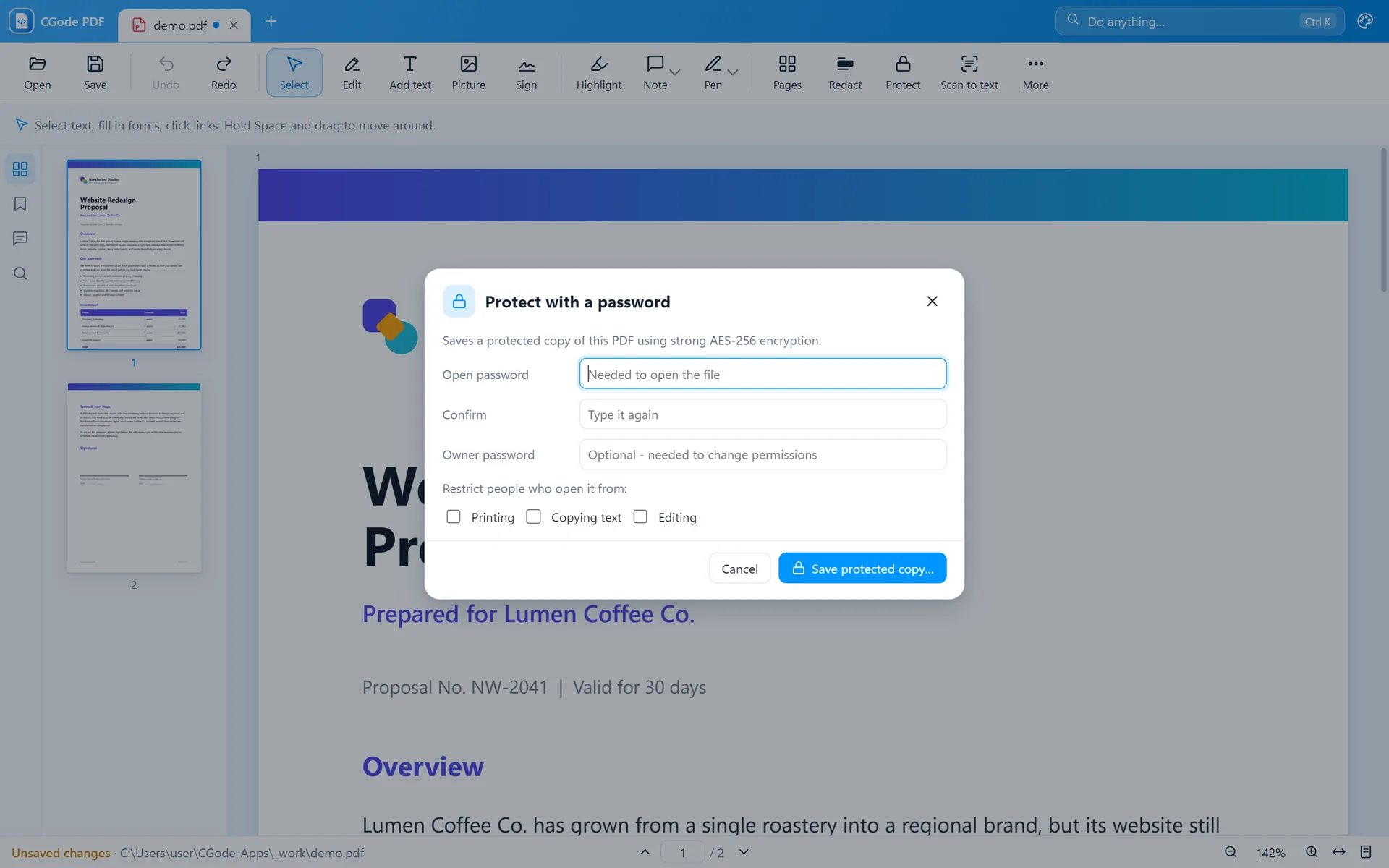
Lock a file with strong AES-256 encryption.

The More menu has the extra tools.

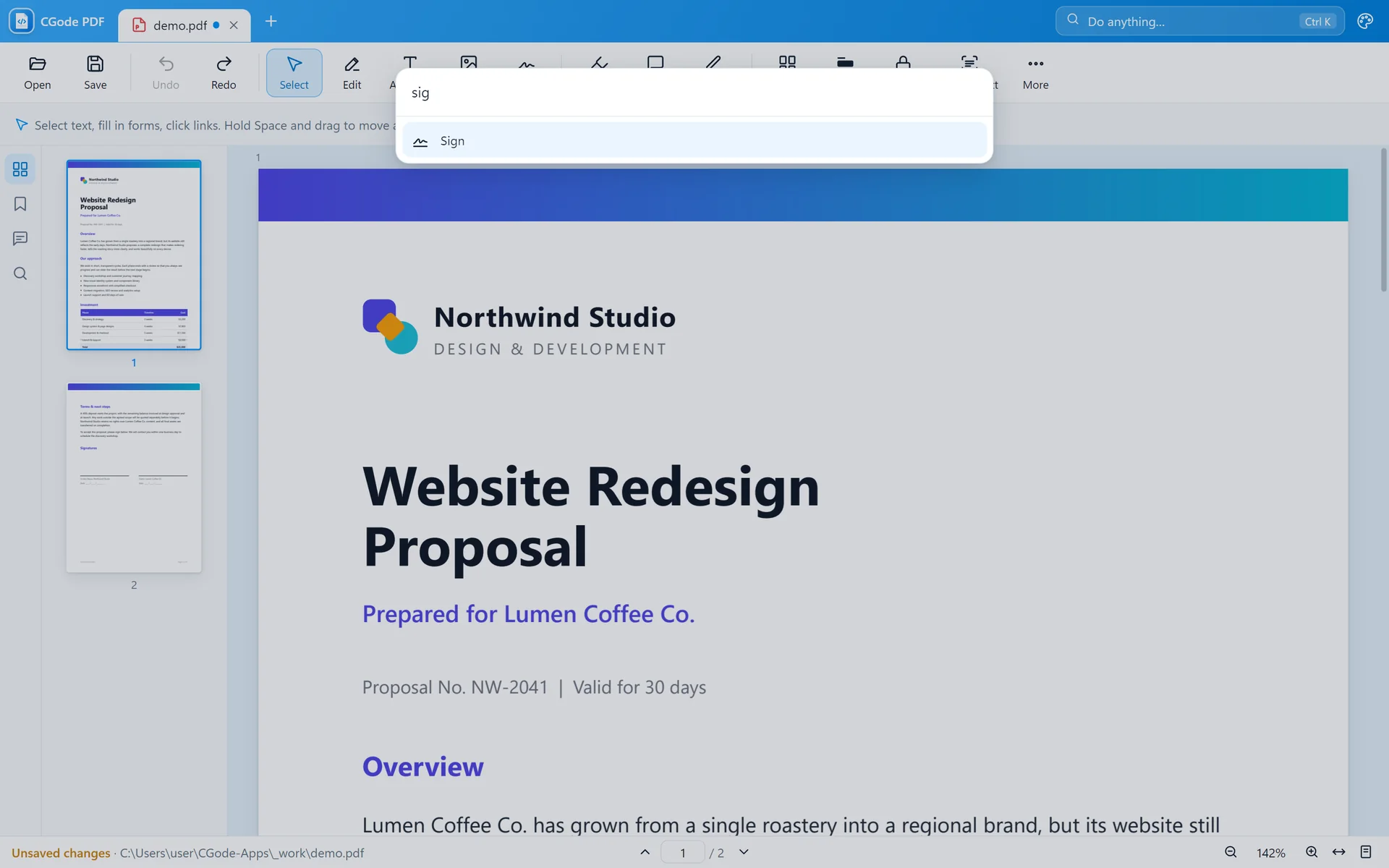
Don't know where something is? Just ask.

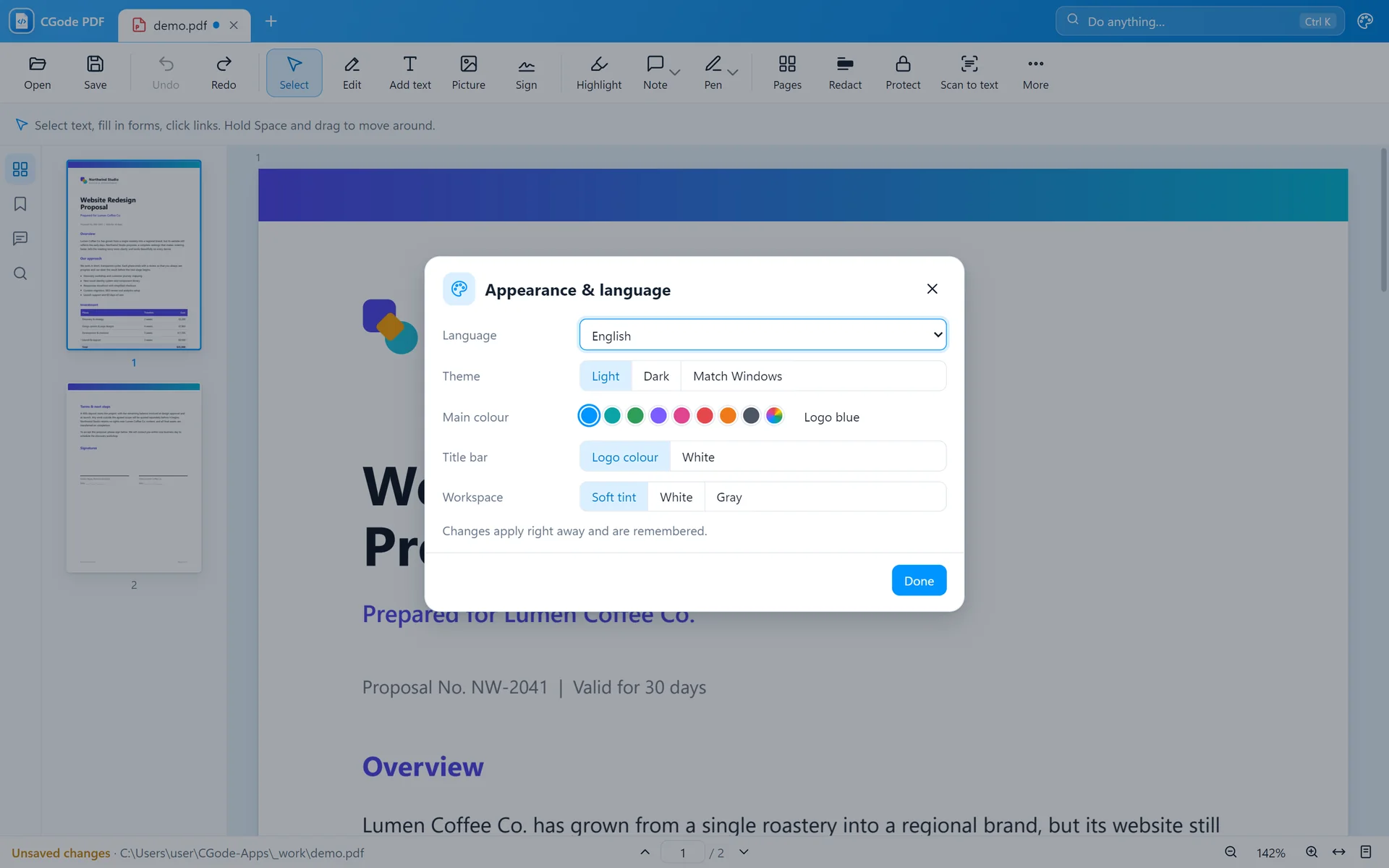
Make it yours.

Every change can be undone until you close the file.
| Ctrl+Z / Ctrl+Y | Undo / redo |
| Ctrl+F | Search the document |
| Ctrl+P | |
| V E T H | Select · Edit · Add text · Highlight |
| N D M X R | Note · Pen · Marker · Eraser · Redact |
| Ctrl + mouse wheel | Zoom in and out |
| Space + drag | Move around the page |
| Delete | Remove the selected picture |
Free for Windows 10 and 11. No account, no ads.