CGode PDFPDF editor · Version 1.1.4
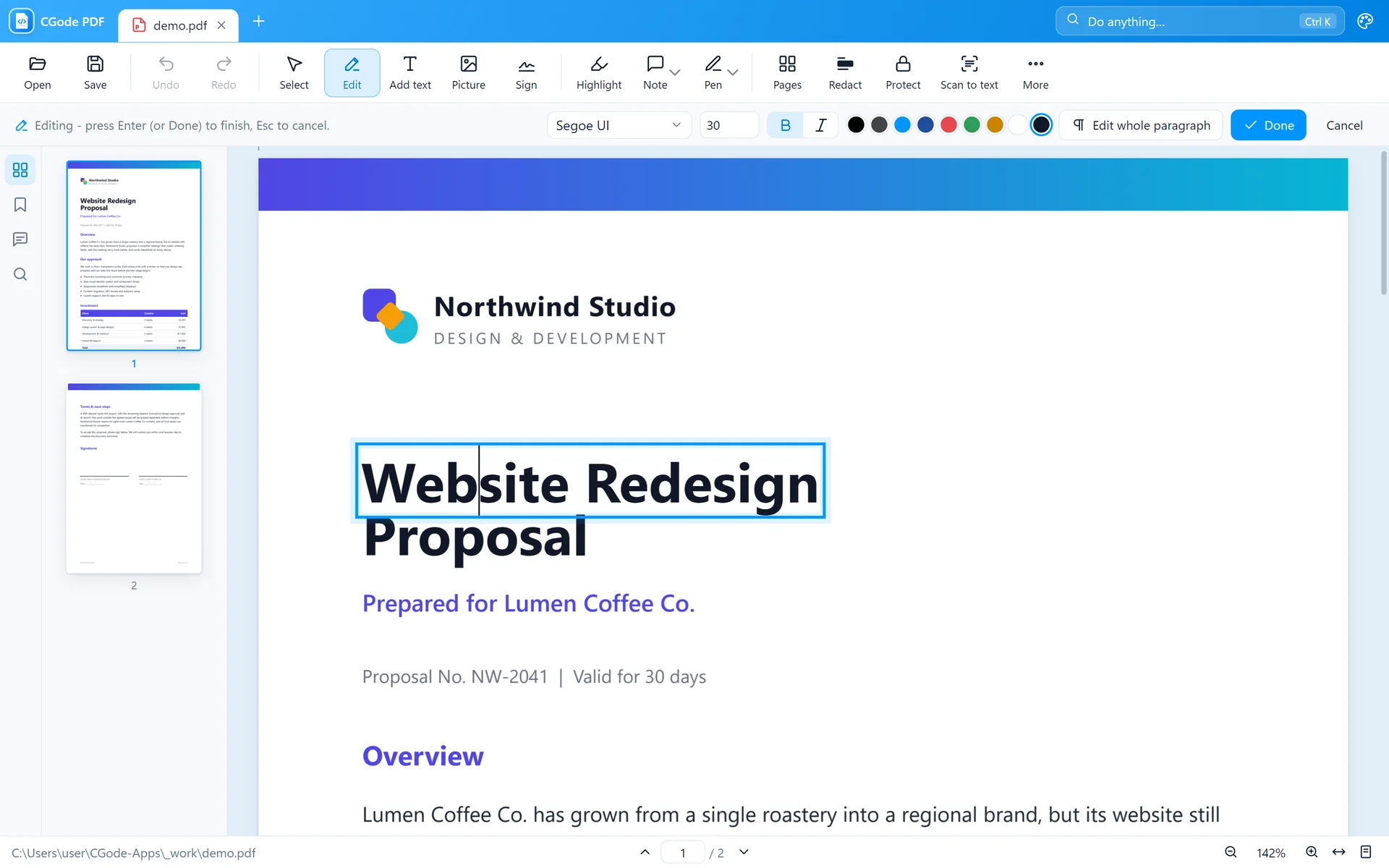
Change the words in any PDF like in a word processor. Then sign it, fill it and save.
- Edit existing text in the same font
- Sign, fill forms, highlight and comment
- Organise pages, black out details, add a password
 Made by CGode Dev
CGode PDF edits any PDF. CGode Shift converts any photo, video or document with one drag. No subscription, no account, and your files never leave your computer.
CGode PDF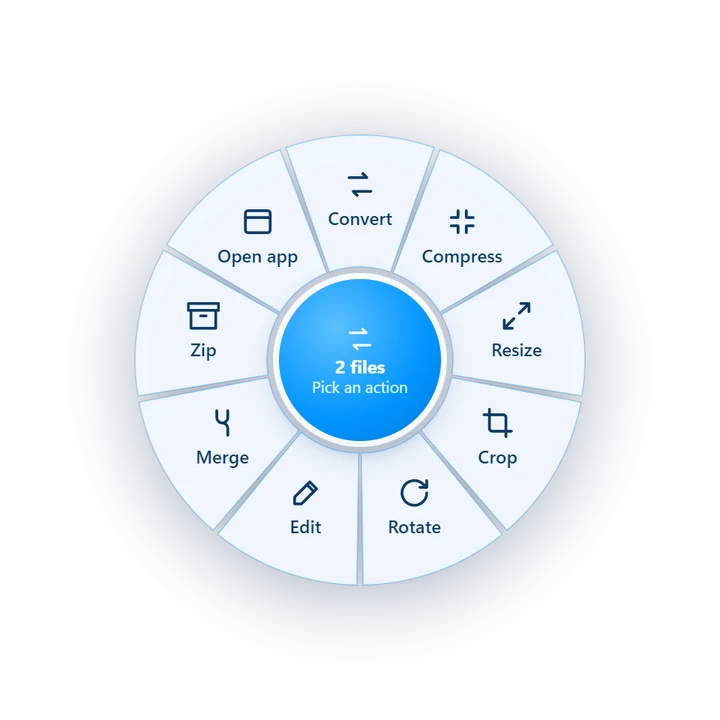
 holiday-photo.webpSaved next to the original
No price, no trial, no ads, no watermark.
Your files are never uploaded anywhere.
Install it and start. No email needed.
The people who built it answer you.
Each one does one job, and does it well. Both are free for home and work.
Change the words in any PDF like in a word processor. Then sign it, fill it and save.
Hold Shift, drag any file, and pick what you want. The new file appears right next to the old one.
No training needed. Here is what a normal day with the apps looks like.
CGode PDF
Click any line of text and retype it. CGode PDF keeps the same font, size and colour, so nobody can tell it was changed.
See how in the guide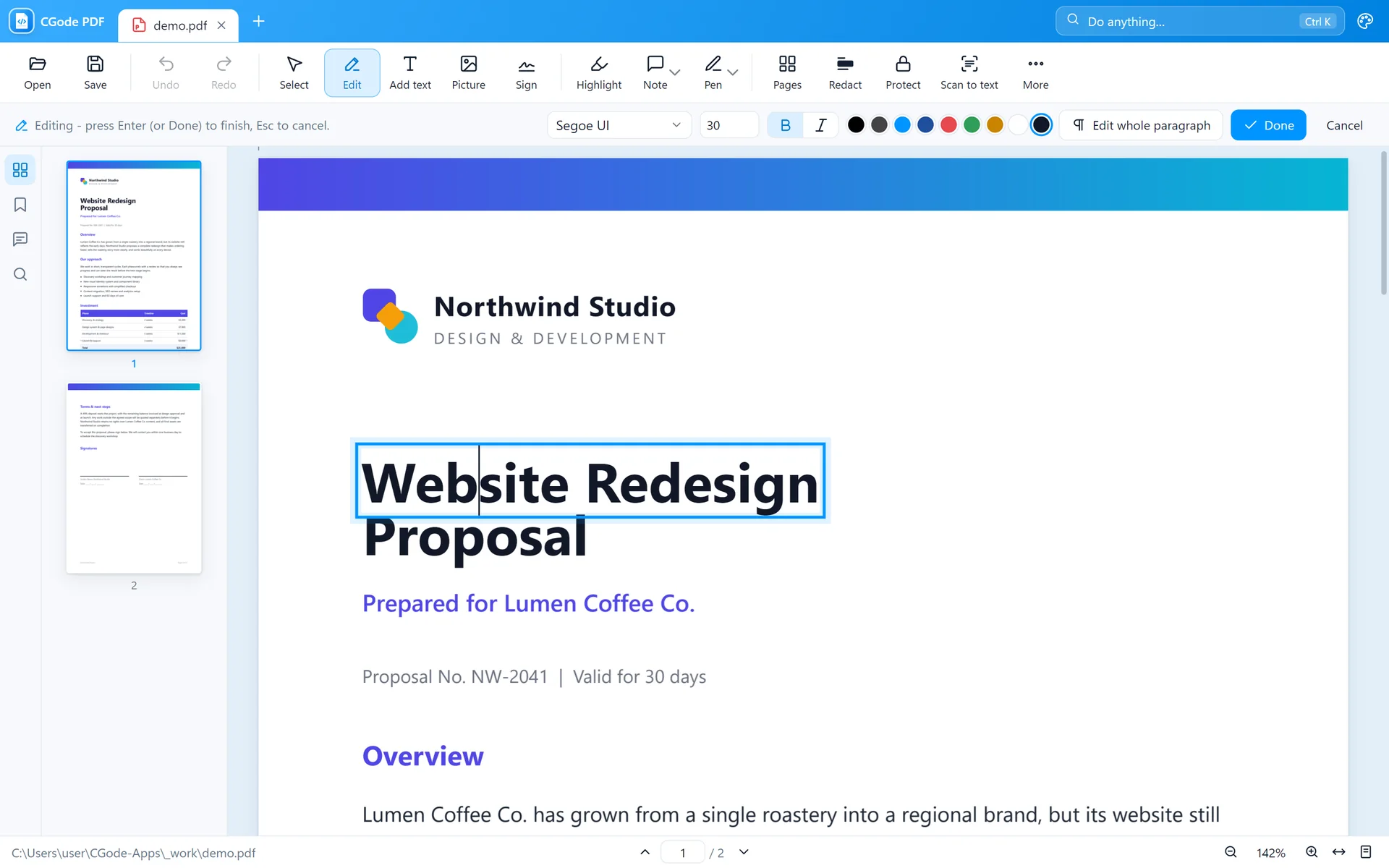 CGode PDF
Draw your signature once with the mouse. Next time, just drop it on the page. Fill in forms the same way.
See how in the guide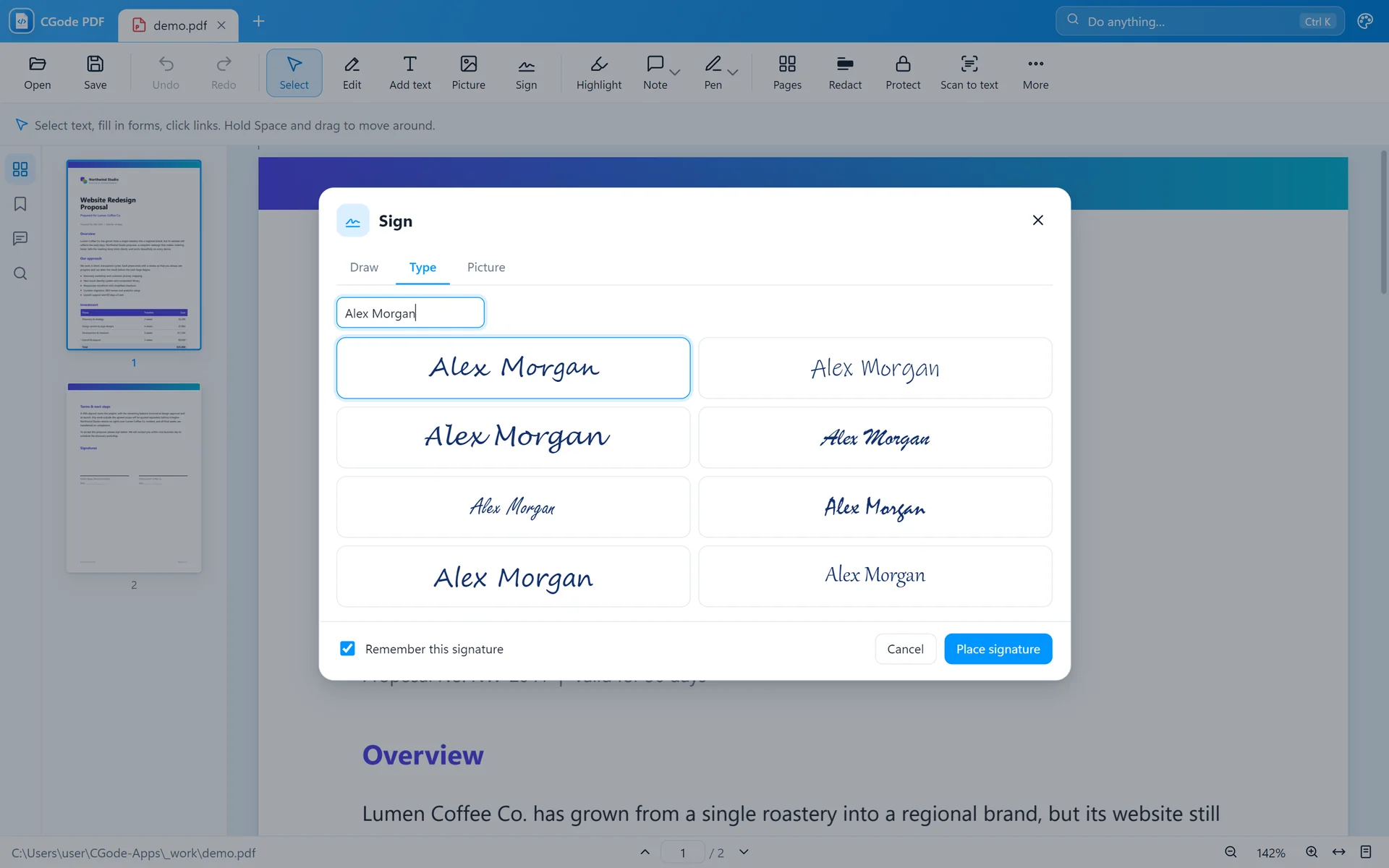 CGode Shift
Hold Shift and drag a photo, video, song or PDF in File Explorer. A ring opens under your mouse. Let go on what you want.
CGode Shift
Prefer buttons? Drop files on the window, choose a format and press Convert. Every result is listed in Activity.
Read the CGode Shift guide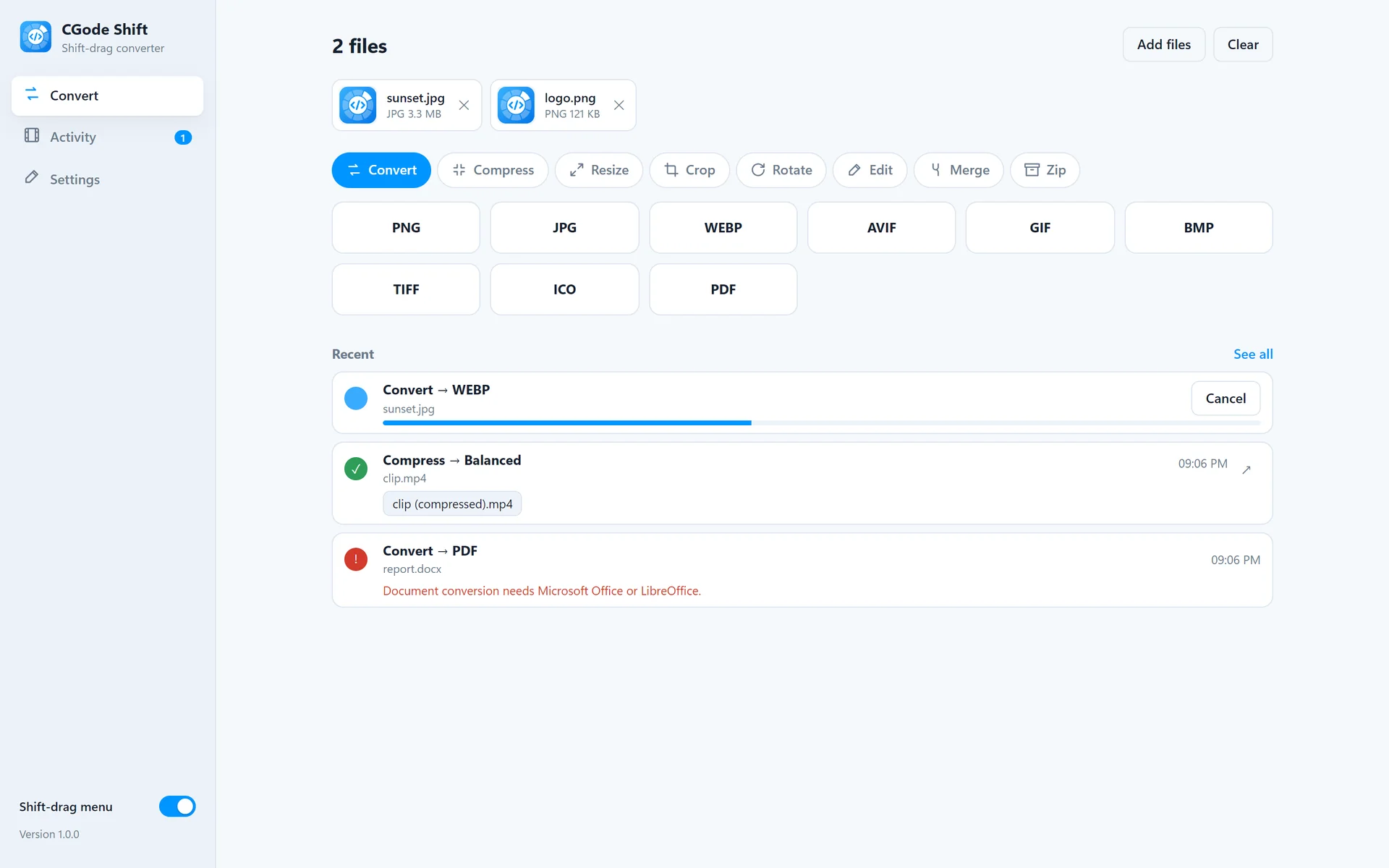
Short videos recorded in the real apps, with no sound.
Prefer reading? Every step is in the how-to guides.
CGode Apps is part of CGode Dev, a software company that builds websites, business software and AI tools for companies. These free apps are a small example of our work.
Something not working, or not sure how to do something? Write to us and a real person will reply, usually within a day.
Contact supportTell us what would make your day easier. We read every idea, and the most wanted ones can become our next free app.
Share your ideaYes. Both apps are free to download and use, at home and at work. There is no trial, no ads and no watermark on your files.
CGode Dev, a software company that builds websites, business software and AI tools. See our work at cgode.dev.
No. Everything happens on your own computer. The apps work without internet and never send your files to anyone.
Windows 10 and Windows 11, 64-bit. You do not need administrator rights to install. A macOS version is coming.
Windows shows this for new apps it has not seen often yet. Click “More info”, then “Run anyway”. You can check your file is genuine with the fingerprint on the download page.
Download the newest installer from this site and run it. It updates the app and keeps your settings.
Download, install, done. Free forever.
macOS coming soon