Try the gesture here
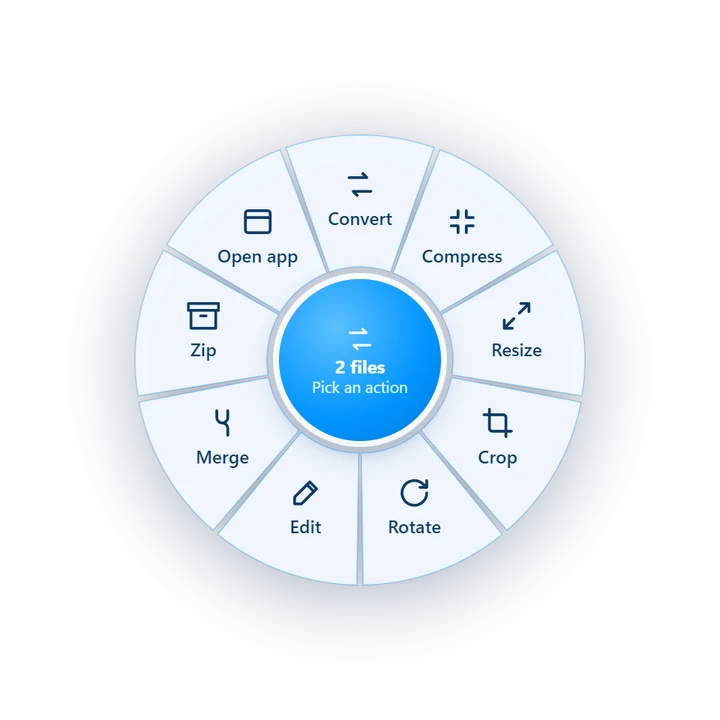
This is exactly how CGode Shift feels in File Explorer.
Desktop: hold your keyboard's Shift while dragging. Phone: tap the Shift key first, then drag.
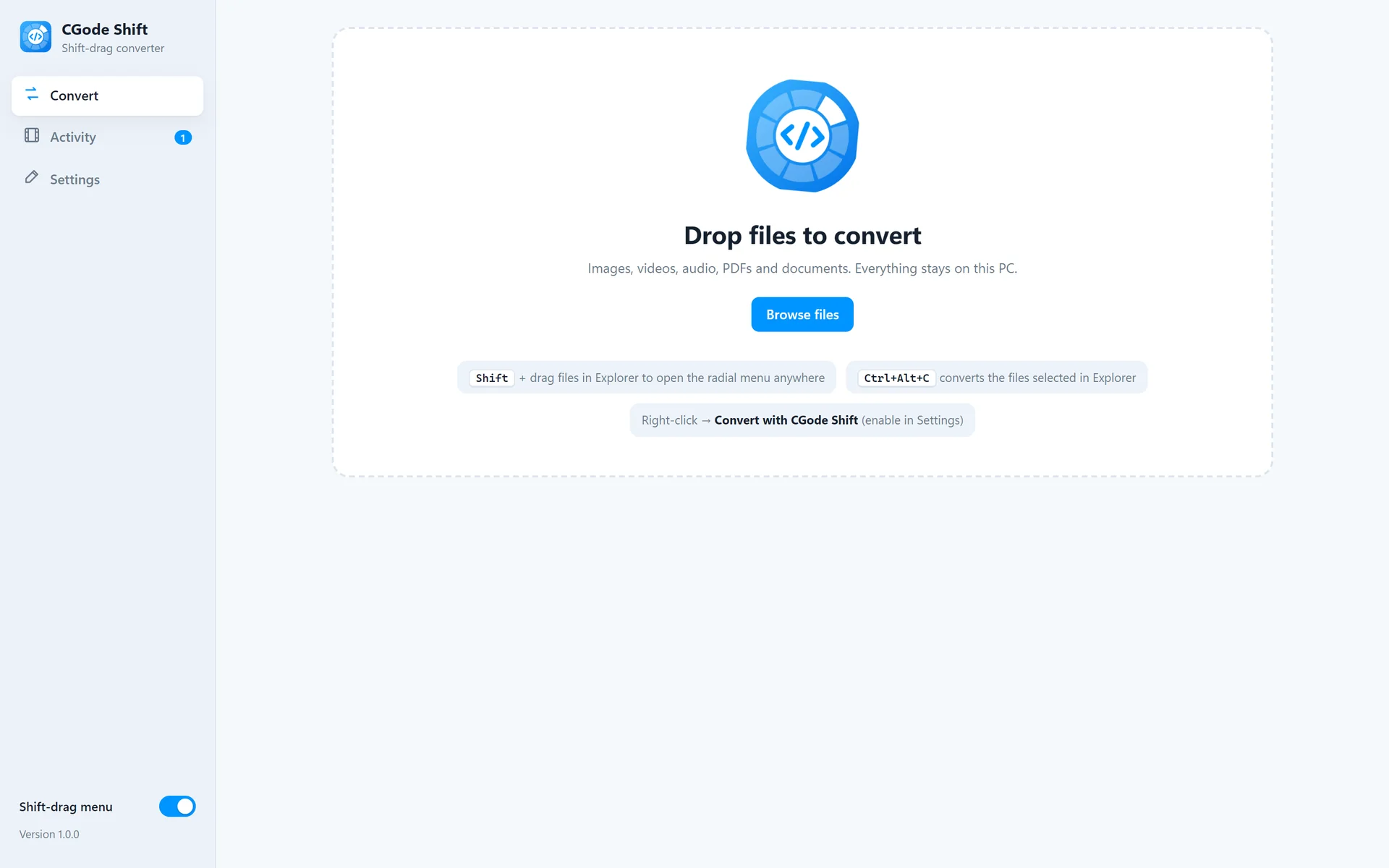
One gesture converts any file: hold Shift, drag, drop on an action. Try it below, then learn every trick.
This is exactly how CGode Shift feels in File Explorer.
Desktop: hold your keyboard's Shift while dragging. Phone: tap the Shift key first, then drag.
CGode Shift runs quietly in the background.

Works in File Explorer and on the desktop, with one file or many.

Changed your mind? Drop back in the middle of the ring, or press Esc, and nothing happens.
Each action has choices, like the format or quality.
Every file type has its own set of actions.
PNG, JPG, WEBP, AVIF, HEIC, GIF, BMP, TIFF, ICO. Convert, compress, resize (presets, 2× upscale, custom), crop, rotate or flip, grayscale, invert, white background, strip metadata. Merge into a PDF, GIF, slideshow, side-by-side, stacked or grid.
MP4, MOV, MKV, WEBM, AVI. Convert (also to GIF or audio), compress by quality or to fit 25, 10 or 8 MB, trim, resize, crop, rotate, extract audio, mute, normalize loudness, speed 0.25×–4×, thumbnail, contact sheet, frames, join clips.
MP3, WAV, FLAC, M4A, OGG, OPUS. Convert, compress, trim, normalize, louder or quieter, fade, mono, reverse, speed, join.
To PNG, JPG, text or Word. Merge PDFs and pictures, split every page or pick pages, rotate, compress (lossless or strong).
Convert to PDF, DOCX, ODT, TXT, HTML, XLSX, CSV, PPTX and more. Uses Microsoft Office or LibreOffice if installed.
Zip any files and folders, and extract .zip files.

For precise jobs, CGode Shift opens a small editor.
Prefer the keyboard or right-click? Those work too.
Every job is tracked.
holiday-photo.webp.Open the main window from the tray icon and go to Settings.
Everything runs on your PC. FFmpeg and the PDF engine are built in, so CGode Shift works offline and never uploads your files.
Free for Windows 10 and 11. Works offline.