Edit any PDF like a document.
Change the text that is already there, sign, fill forms, organise pages and protect your files. Free, offline, in 15 languages.
CGode PDFEverything you need for PDFs.
The tools people pay for every month, free and on your own computer.
Edit existing text
Click any line and retype it. The original font, size and colour are kept. Shortcut E.
Sign
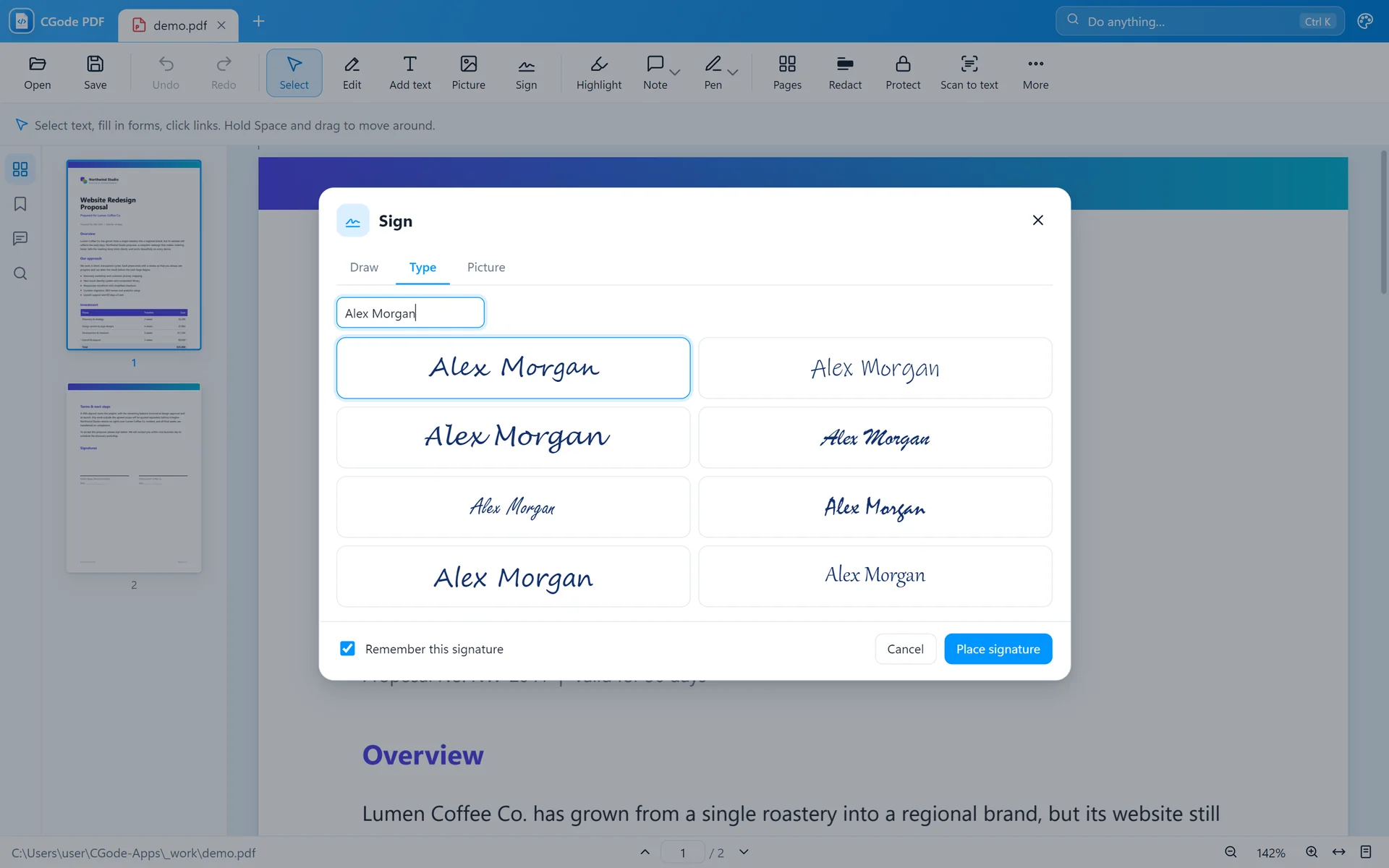
Draw, type or use a photo of your signature, then place it anywhere on the page.
Fill forms
Type into form fields, tick boxes and pick options, then save the filled form.
Highlight and comment
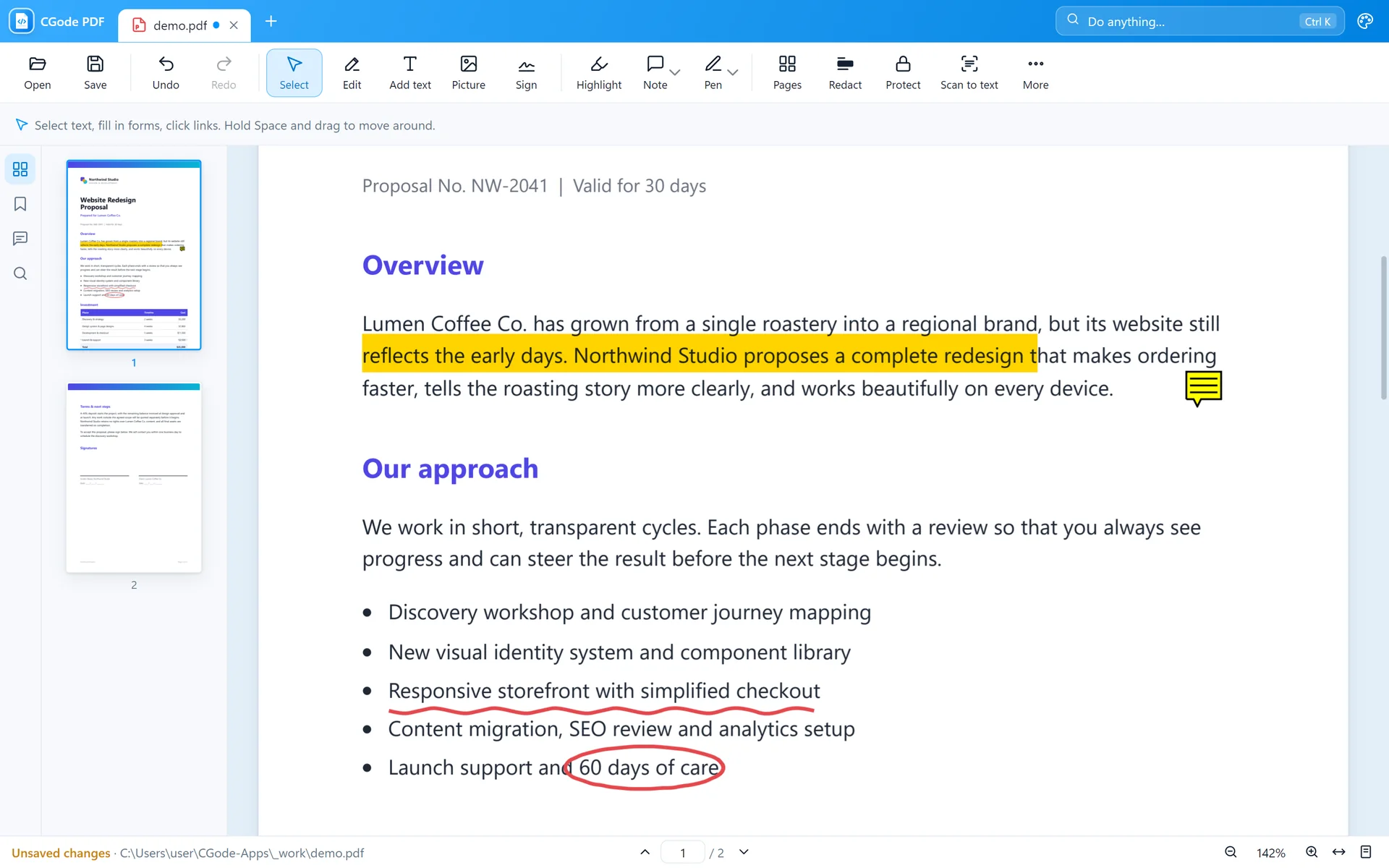
Highlight, underline, draw with a pen and add sticky notes anyone can read.
Organise pages
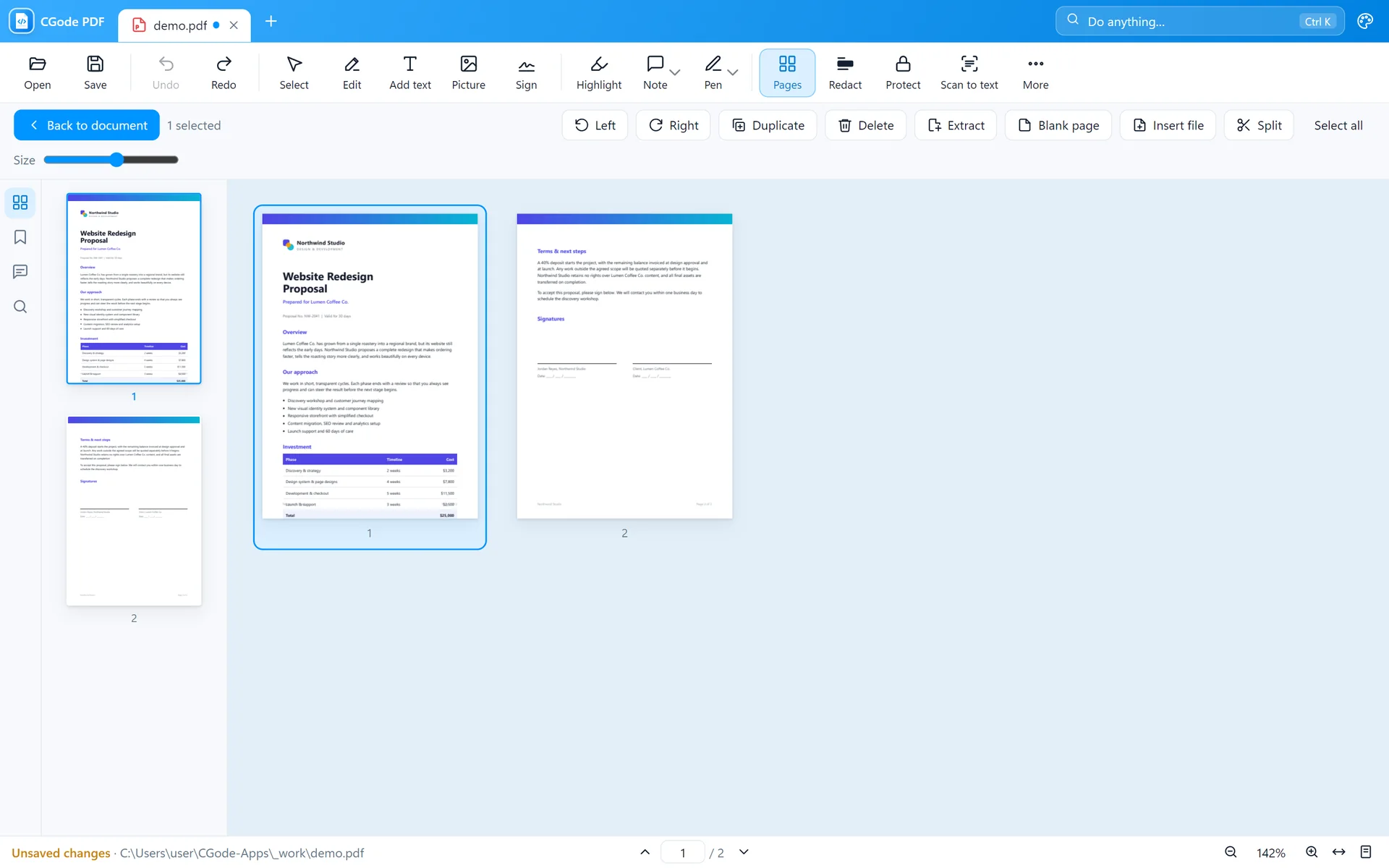
Drag pages into a new order. Rotate, delete, insert or extract pages.
Black out details
Redaction removes private text and pictures for good, not just covers them.
Read scanned pages
OCR turns a scanned page into real text you can search, select and copy.
Password protection
Lock a PDF so only people with the password can open it.
Export and compress
Save as Word, pictures or text, merge files, and shrink big PDFs for email.
Three steps. That's it.
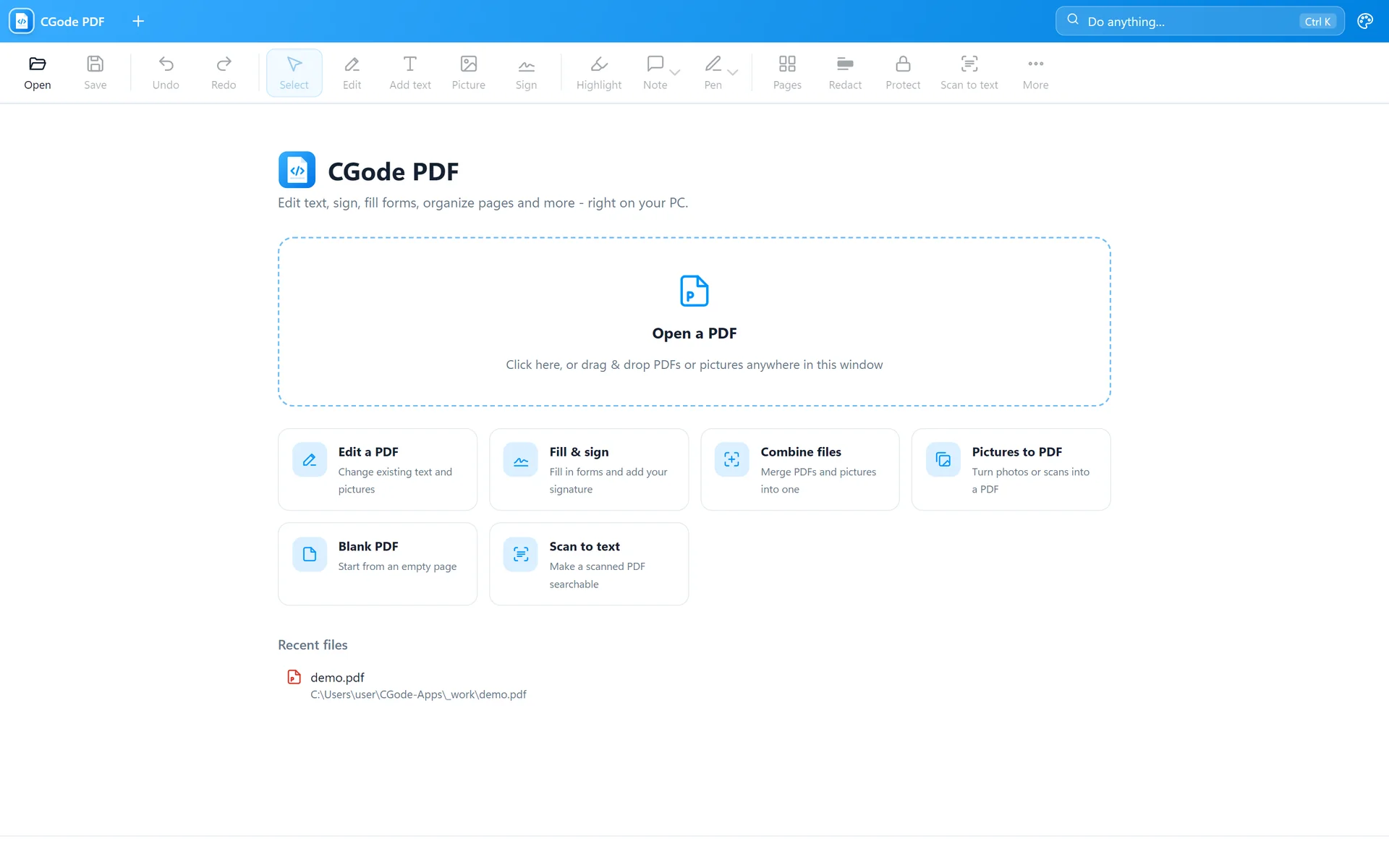
Open your PDF
Drag it onto the window, or double-click it if CGode PDF is your PDF app.
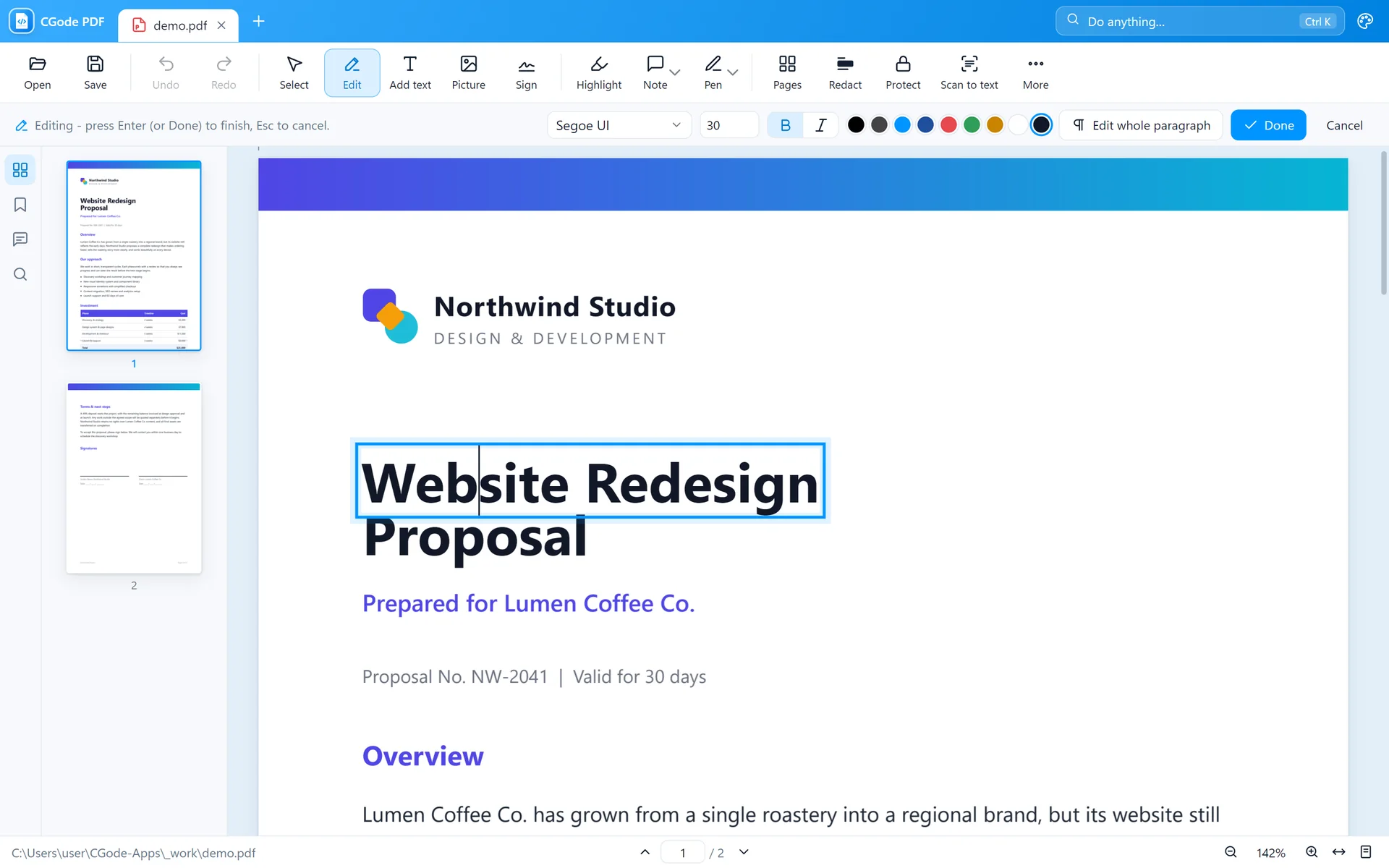
Click and change
Turn on Edit, click a line and type. Or sign, highlight and fill.
Save or share
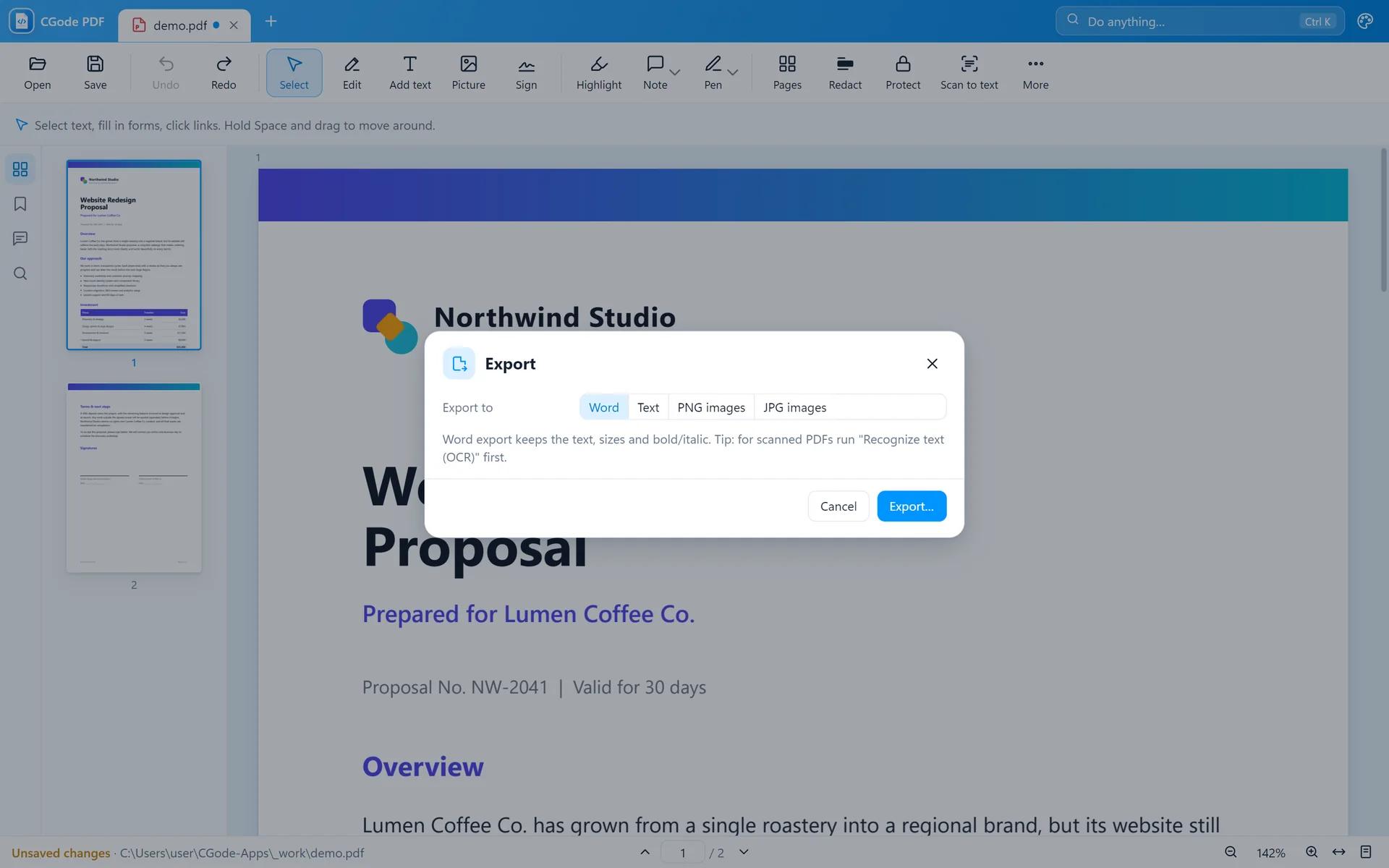
Press Ctrl+S, or export to Word or pictures. Add a password if needed.
CGode PDF in one minute.
Recorded in the real app, with no sound.
Every tool is explained with pictures in the CGode PDF guide.
Real screens from the app.
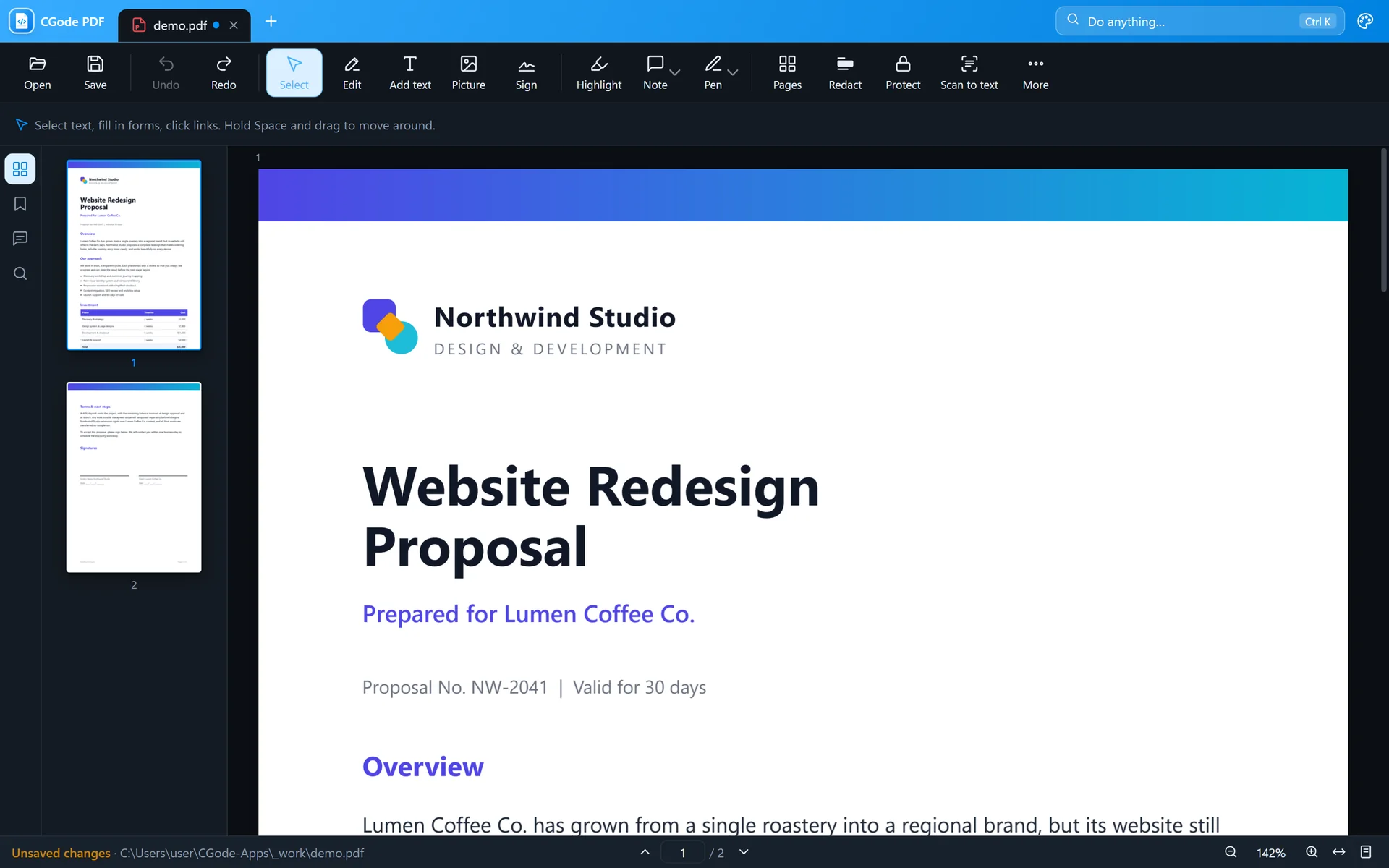
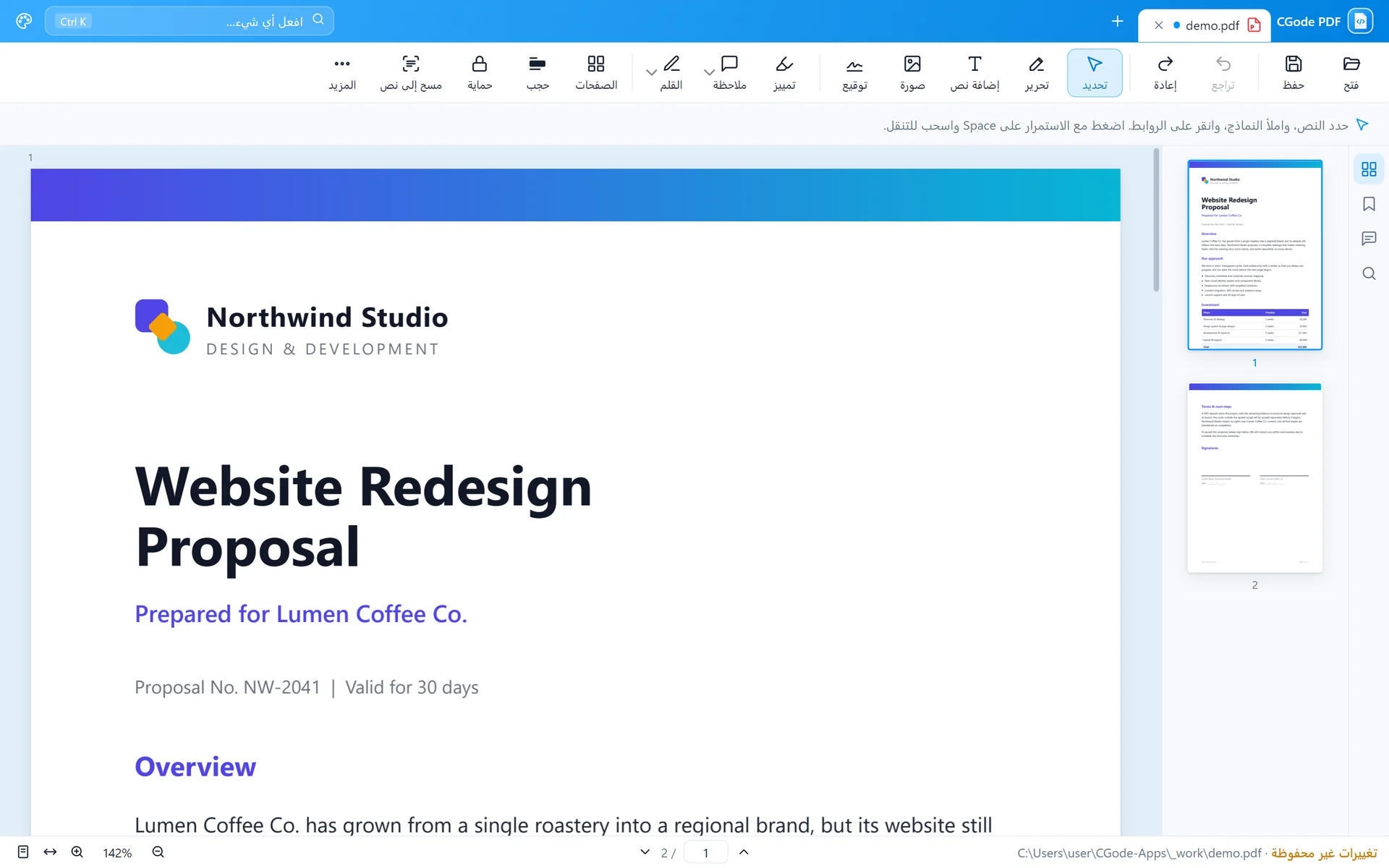
Your PDFs stay on your computer.
Download CGode PDF free and edit your first PDF in a minute.