
CGode PDF guide17 steps · about 10 minutes
Open a PDF, change its text, add pictures, sign, fill forms, comment, organise pages, black out details, read scans, protect and export.
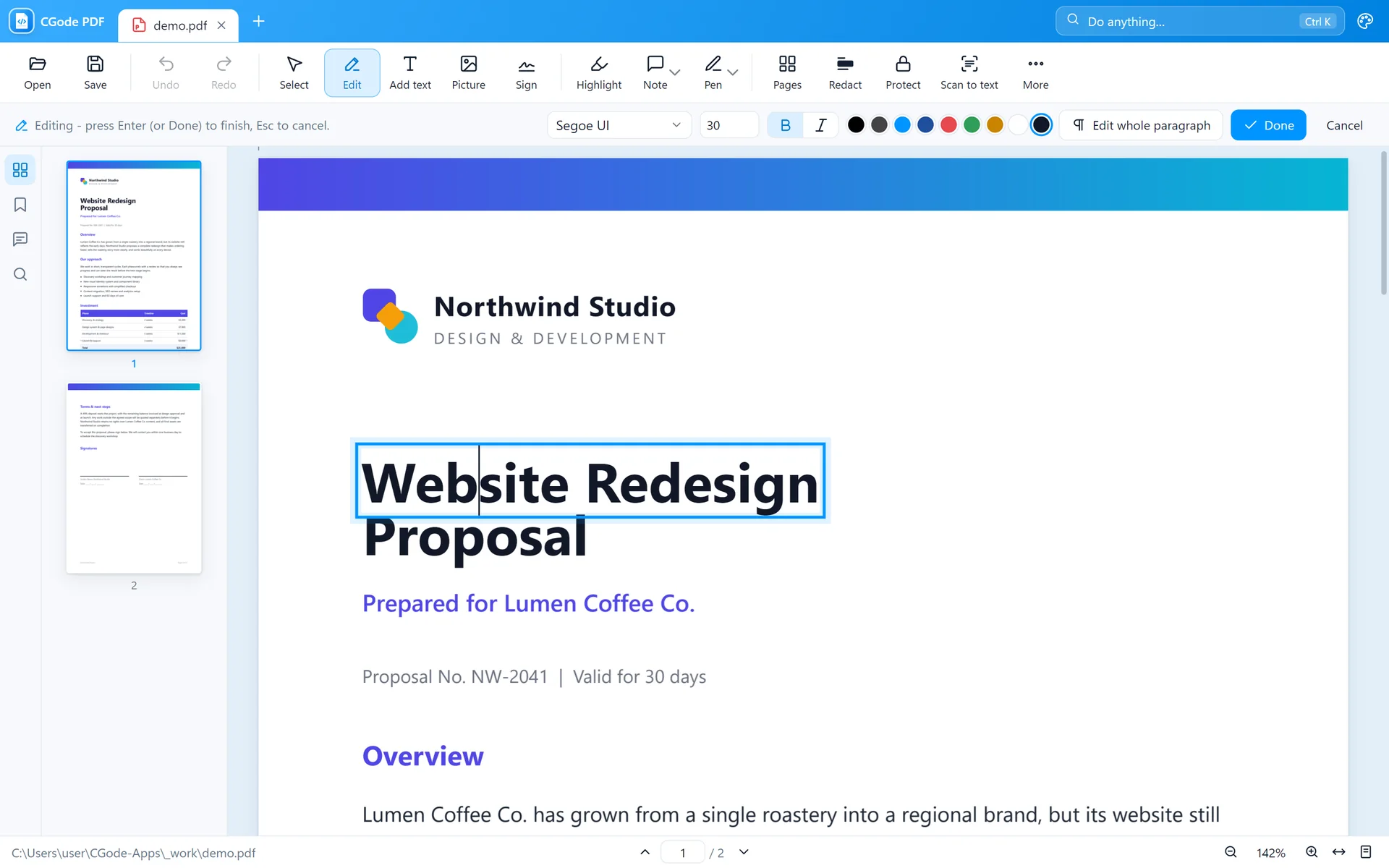
Each guide walks you through every tool with real pictures from the app, numbered steps and small tips. No experience needed.
Open a PDF, change its text, add pictures, sign, fill forms, comment, organise pages, black out details, read scans, protect and export.


Try the Shift-drag in your browser, then learn every action, the crop and trim editors, other ways to start, and the settings.
Still stuck after reading? Ask us. Tell us which step confused you, and we will help and improve the guide.