

Convert any file with one drag.
Hold Shift, drag a photo, video, song or PDF, and choose what you want from a ring. The new file appears right next to the original.
CGode Shift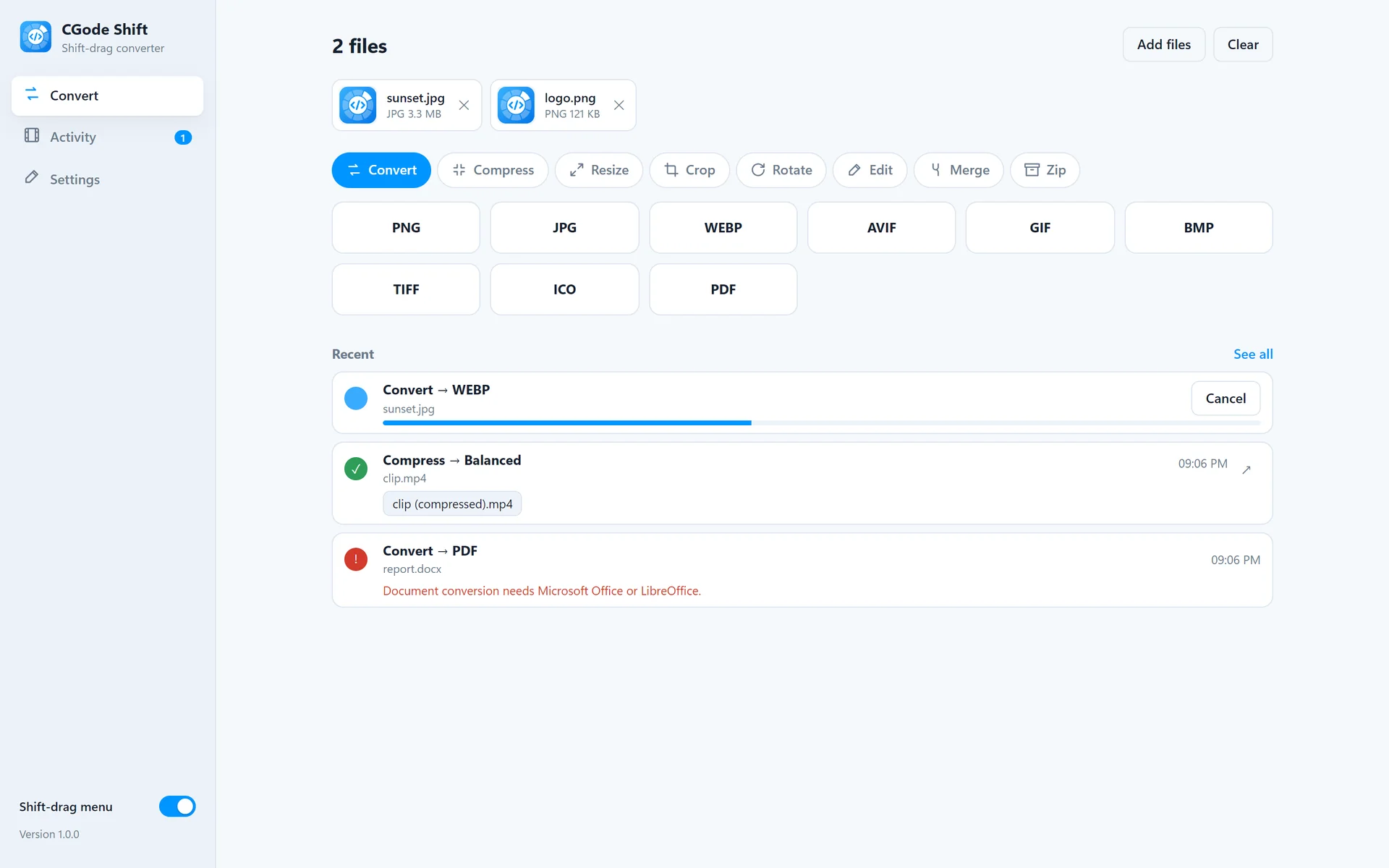
Try the Shift-drag right here.
Hold your Shift key and drag a file. Rest on an action to see its options, then let go.
Demo settings
Hold Shift (or switch on “Keep Shift held”), then drag beach-sunset.jpg.
On a phone: switch on “Keep Shift held” first, then drag a file with your finger.
Three ways to use it.
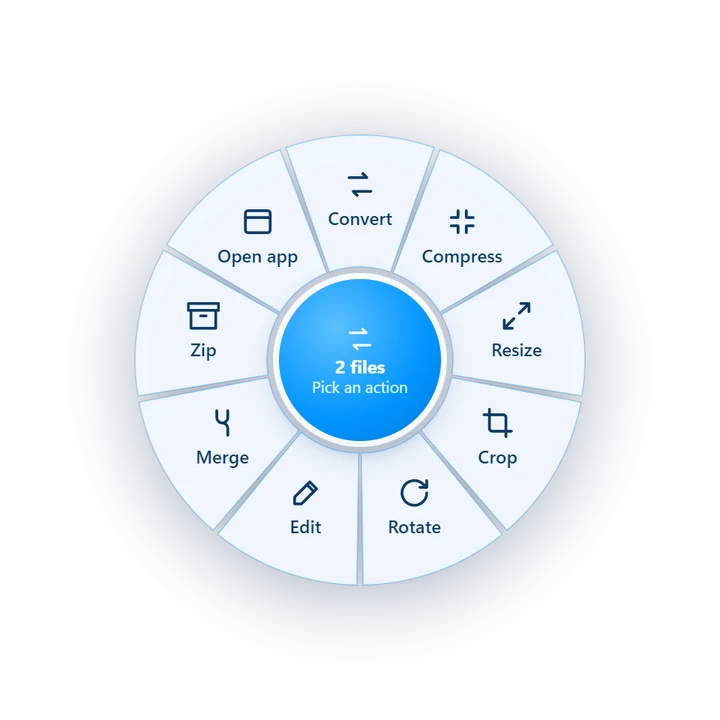
Shift-drag a file
In File Explorer or on the desktop, hold Shift and drag. Let go on an action.
Drop files in the window
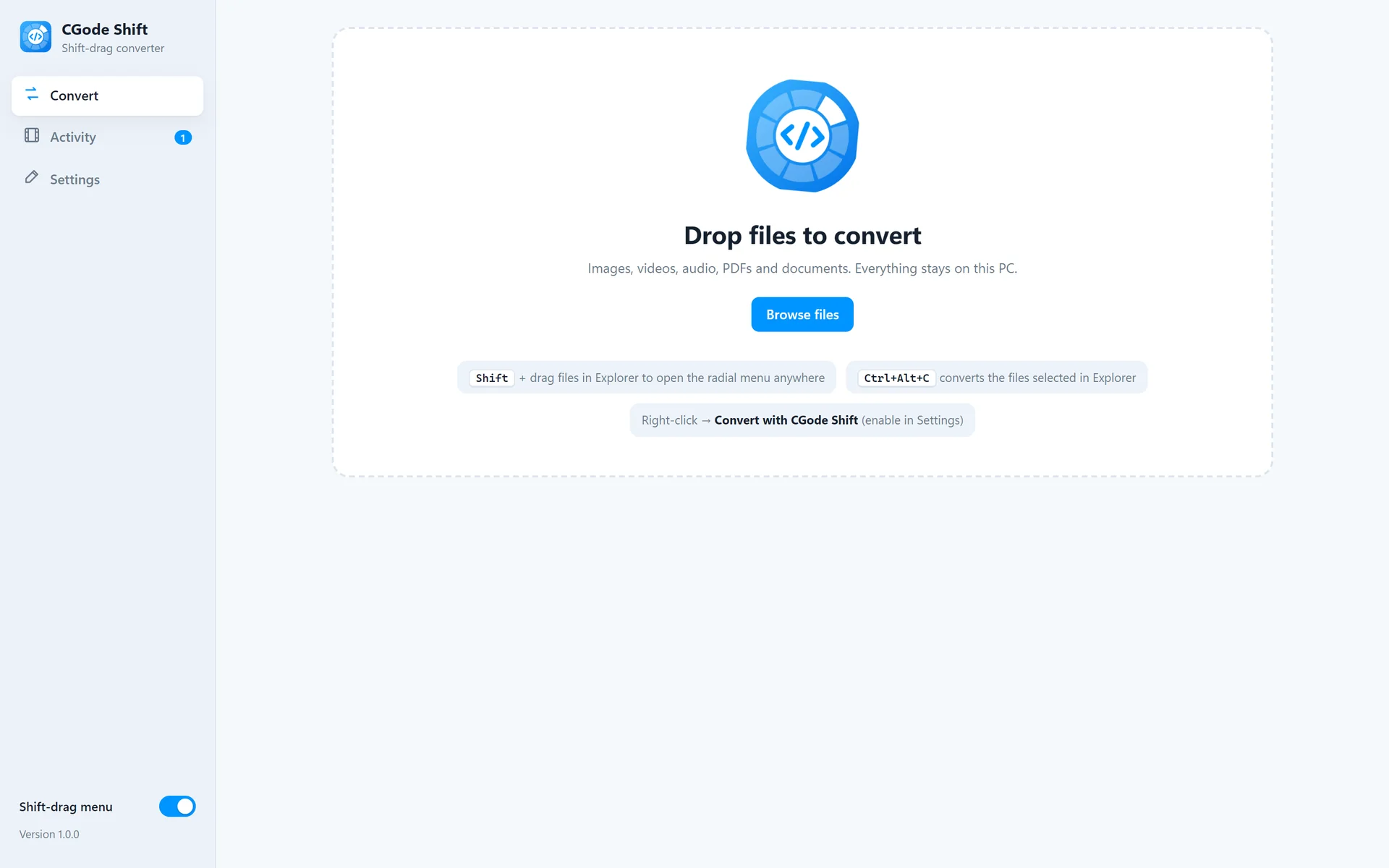
Prefer buttons? Drop files, pick an action and a format, press Convert.
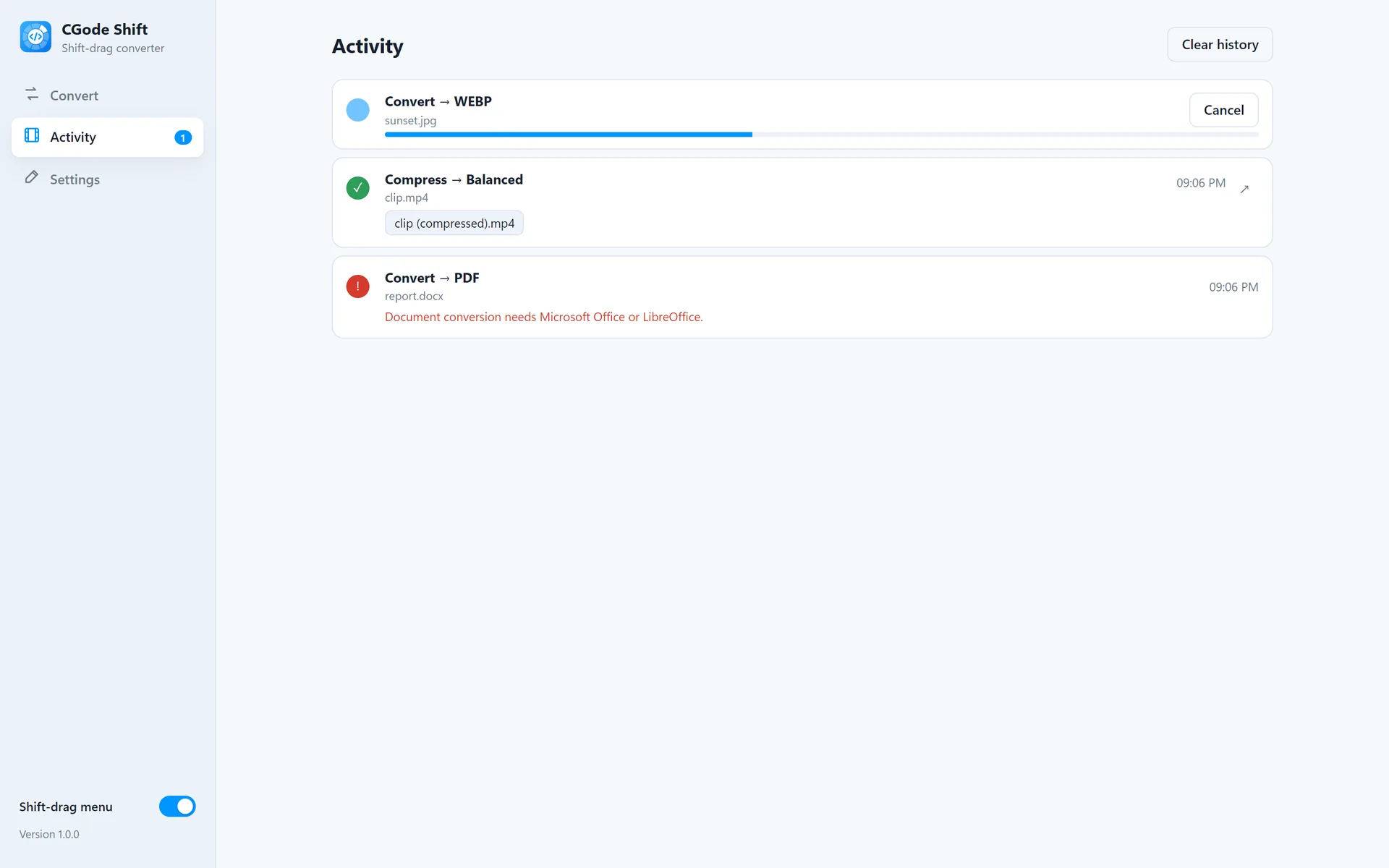
Find your results
Activity shows what is running and done. Click a result to open its folder.
The right actions for every file.
The ring only shows what makes sense for the file you drag. Several files at once? You also get Merge or Join.
Word, Excel and PowerPoint conversion uses Microsoft Office or LibreOffice if installed.
| File | Actions |
|---|---|
| Photos | Convert to PNG, JPG, WEBP, AVIF, GIF, BMP, TIFF, ICO or PDF · Compress · Resize · Crop · Rotate and flip · Black and white, white background, remove hidden data · Merge into a PDF, GIF or grid · Zip |
| Videos | Convert to MP4, WEBM, MOV, MKV, AVI or GIF · Compress to fit 25, 10 or 8 MB · Trim · Resize to 4K, 1080p, 720p or 480p · Crop · Rotate · Extract or mute the sound · Speed up or slow down · Thumbnails · Join |
| Music and sound | Convert to MP3, WAV, FLAC, M4A, OGG or OPUS · Compress · Trim · Louder, quieter, normalise, fade · Speed · Join |
| PDFs | Pages to PNG or JPG · To text or Word · Merge · Split · Compress · Rotate |
| Documents | Word, Excel and PowerPoint to PDF and other formats |
| Archives | Extract · Zip |
CGode Shift in one minute.
A short tour with no sound.
Every step is explained in the CGode Shift guide.
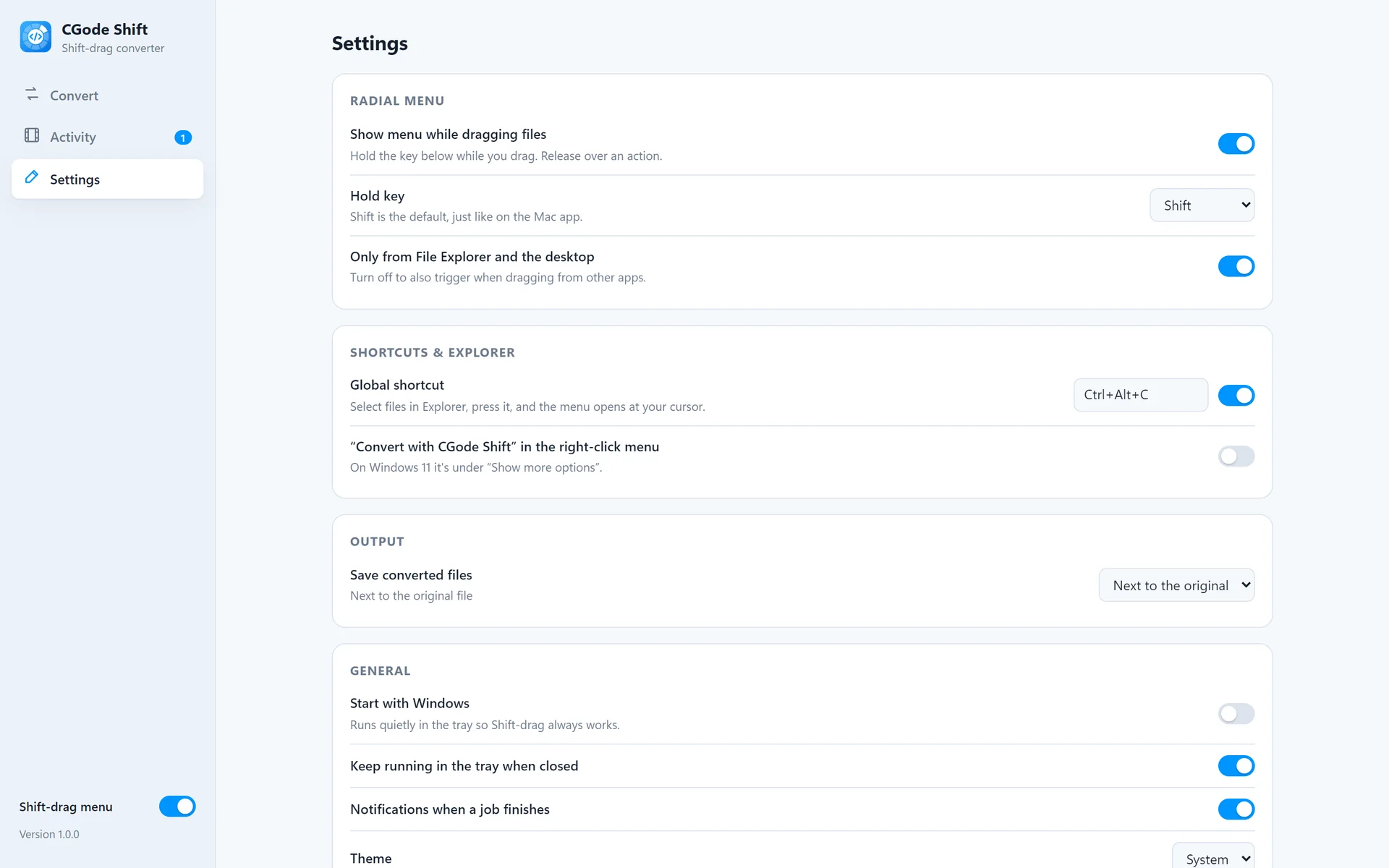
Light or dark, it matches Windows.
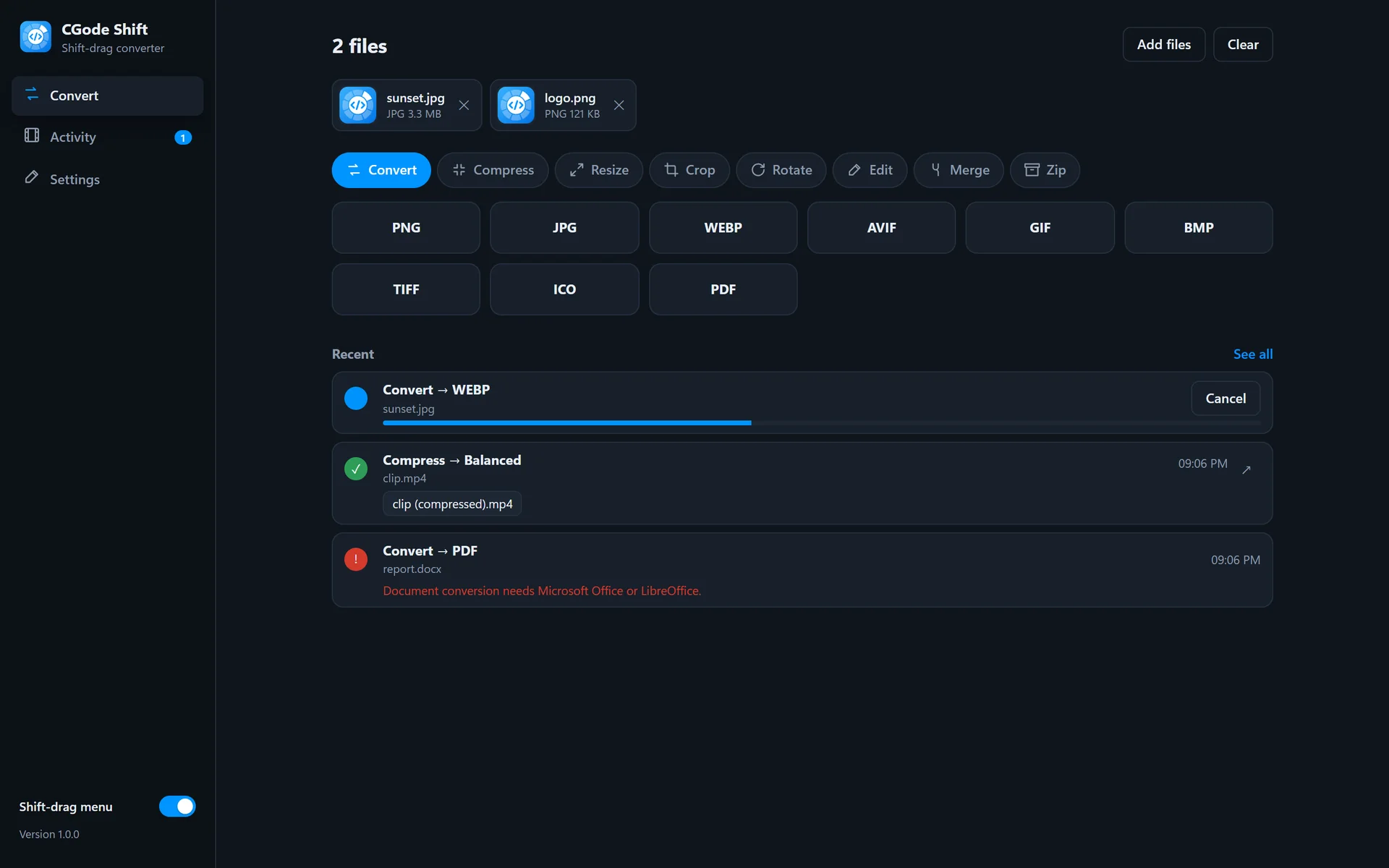
One drag. Any file.
CGode Shift works offline and never changes your original. Try it on your next photo.